OPERATING MANUAL
1. DESCRIPTION
NOUS D6 WiFi DIN Smart Switch 1-63A is a multifunctional device designed for the comprehensive security of a house or apartment electrical network. It combines the functions of a circuit breaker, voltage relay, residual current device (RCD/GFCI), and an energy meter.
Key Features:
- Appliance Protection: instantly cuts off power during dangerous voltage surges, overcurrent, or electrical leakage.
- Automatic Reclosing: automatically restores power after a set delay time once the network parameters return to normal.
- Remote Control: allows users to turn the power on/off and set timers or schedules from a smartphone via Wi-Fi.
- Energy Monitoring: tracks real-time consumption, power, and current, and supports bidirectional metering (e.g., solar panel generation).
 |
| № | Name | Description |
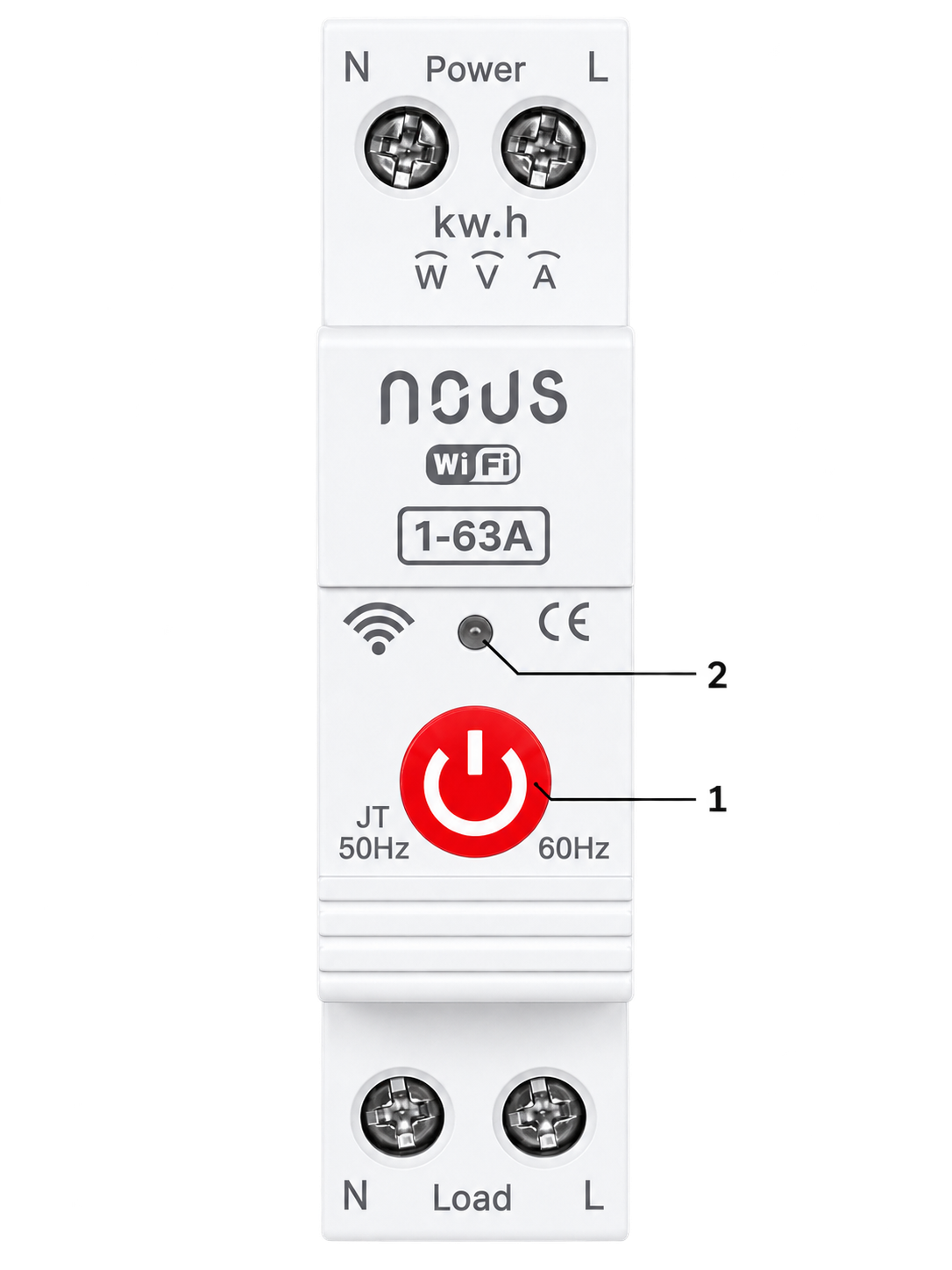
| 1 | Button | A short press of the button switches the device "ON" "OFF". A long press of the button (5-7 C) resets the device settings and network connection parameters. |
| 2 | Indicator | Shows the current status of the device |
2. TECHNICAL CHARACTERISTICS
WiFi Frequency: 2.4 GHz (2.412-2.472GHz)
Network Protocol: IEEE802.11 b/g/n
Max. Transmit Power: 10 dBm
Rated Voltage: AC 230V
Operating Voltage: AC 80-300V (single phase)
Rated Current: 1-63A
Max Load Power: 7.0kW
Pole: 1P+N
Mounting: 35mm DIN rail
Protection Level: IP20
Working Temperature: -30°C ~ 70°C
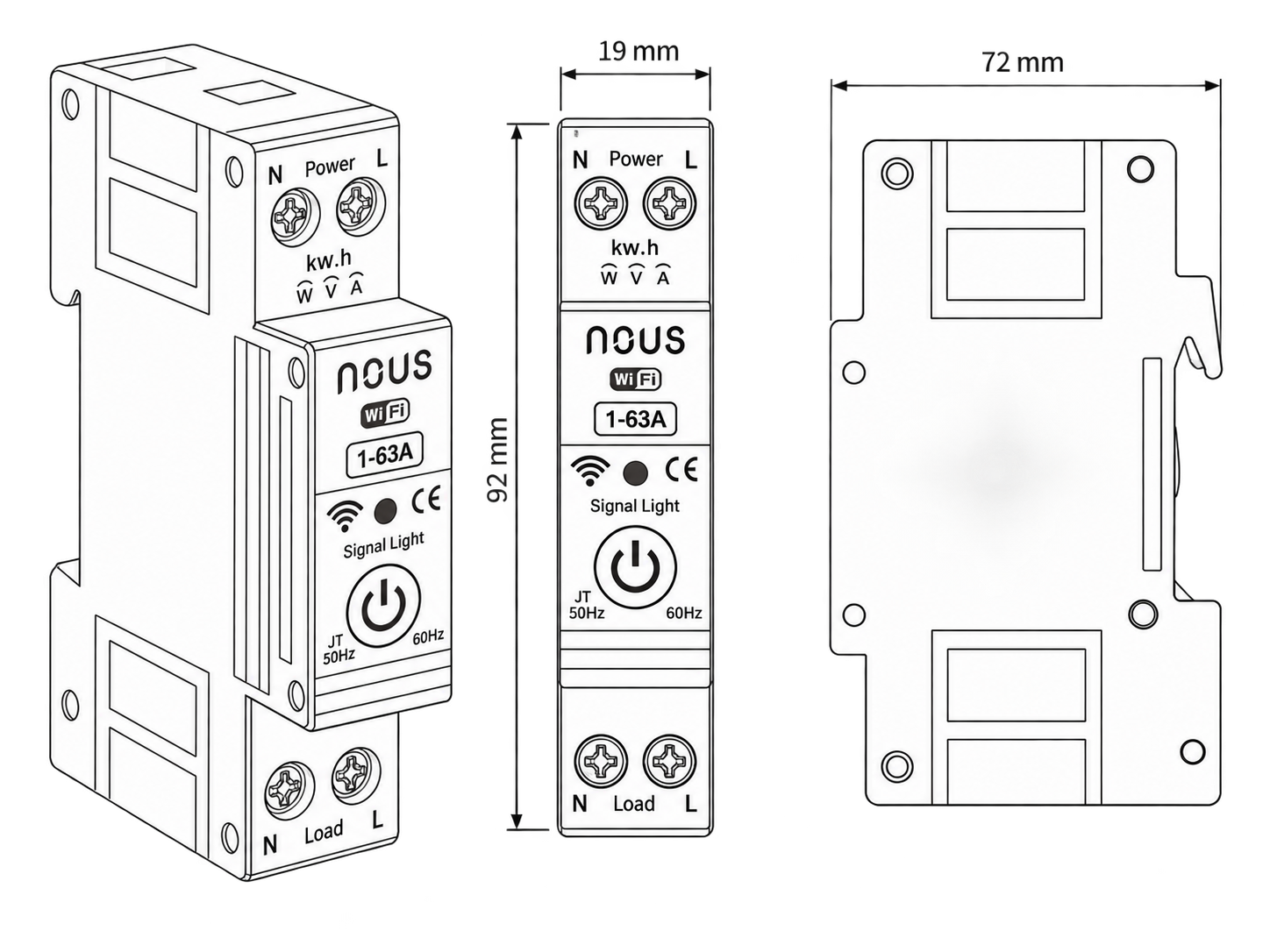
Dimensions: 92*19*72 mm
3. SAFETY AND PRECAUTIONARY MEASURES
- Please read this manual carefully.
- Use the product within the temperature and humidity limits specified in the technical data sheet.
- Do not install the product near heat sources such as radiators, etc.
- Do not allow the device to fall or be subject to mechanical stress.
- Do not use chemically active or abrasive detergents to clean the product. Use a damp flannel cloth instead.
- Do not exceed the specified power rating. This may result in a short circuit and electric shock.
- Do not disassemble the product yourself - diagnostics and repairs of the device should only be carried out at a certified service center.
 |
4. CONNECTION
To connect the Nous device, you need a smartphone based on the Android or iOS mobile operating system with the Nous Smart Home application installed. This mobile application is free and available for download from Play Market and App Store. The QR code for the application is given below:
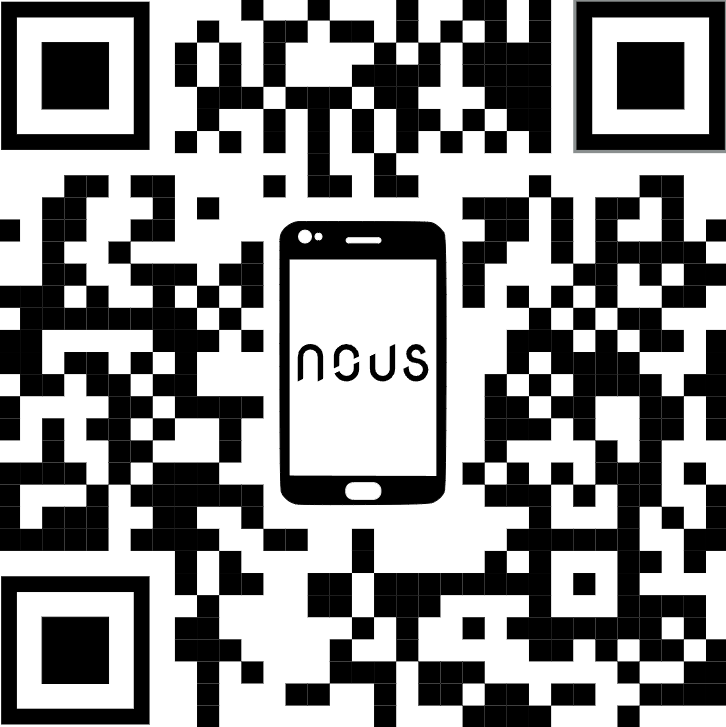 |
Scan the QR code
Importantly: Make sure that the Wi-Fi network is stable and has a sufficient level in the chosen installation location.
5. INSTALLATION
| Installation procedure: | ||
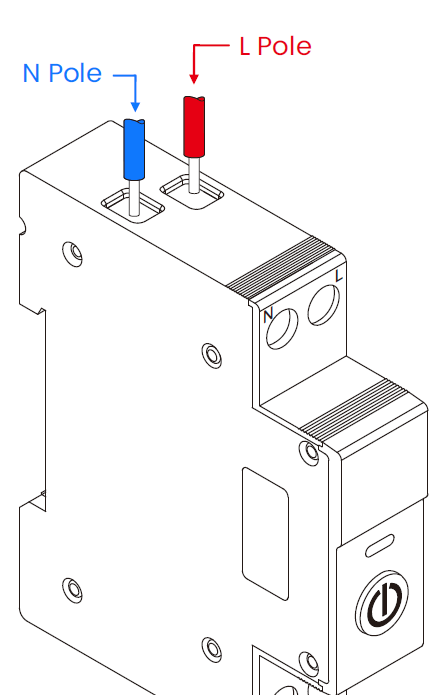
| 1 | Connect the switch as shown in one of the electrical diagrams. |
|
| 2 |
Marking:
|
|
| 3 | When the installation is complete, the device is ready for use. | |
| The current sensor must be located on the phase conductor. | ||
| Importantly: Make sure that the Wi-Fi network in the selected installation location is stable and has a sufficient level. | ||