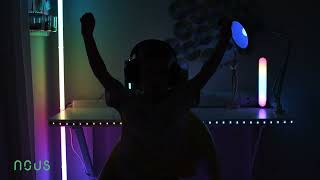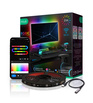
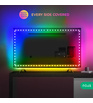

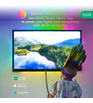
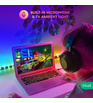
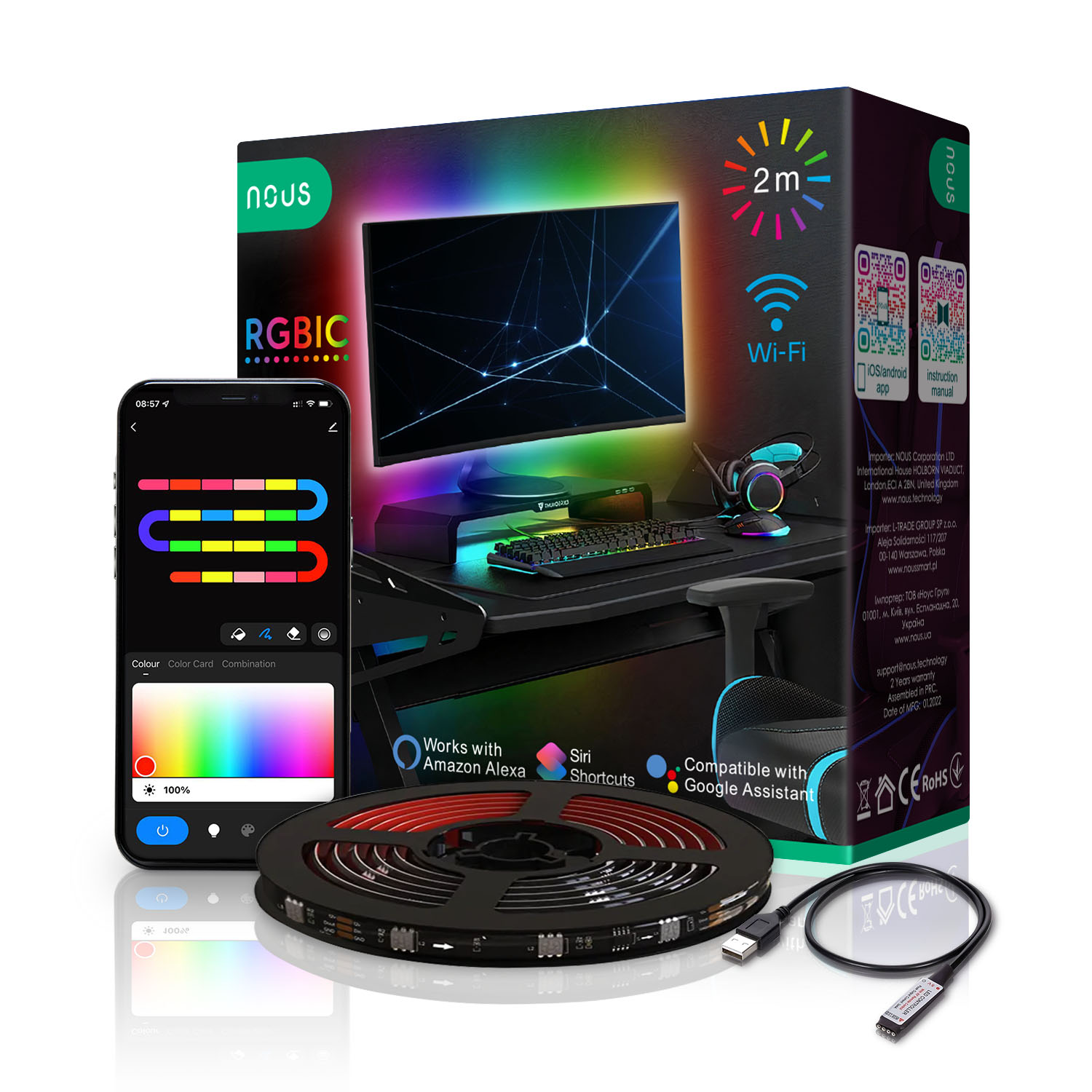
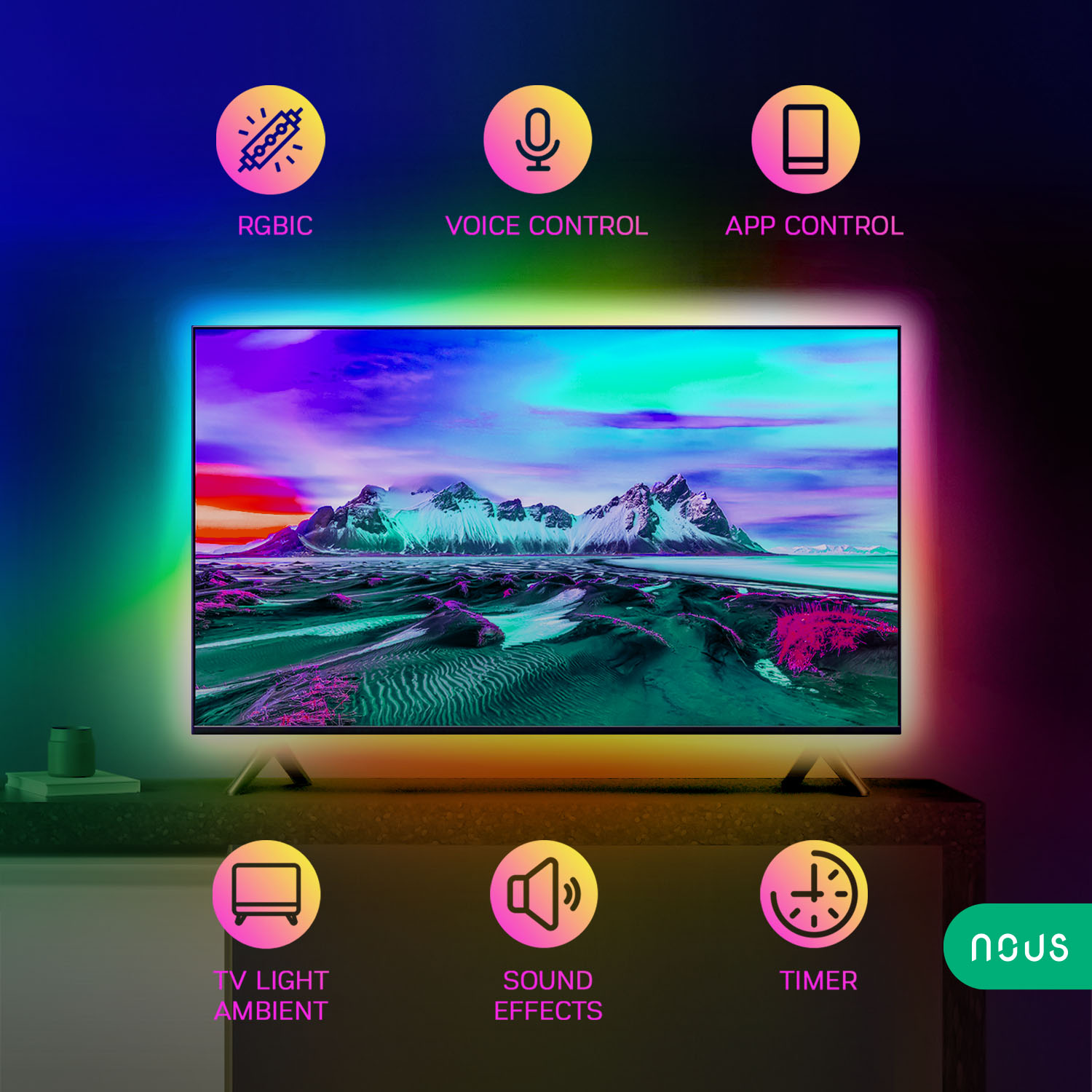
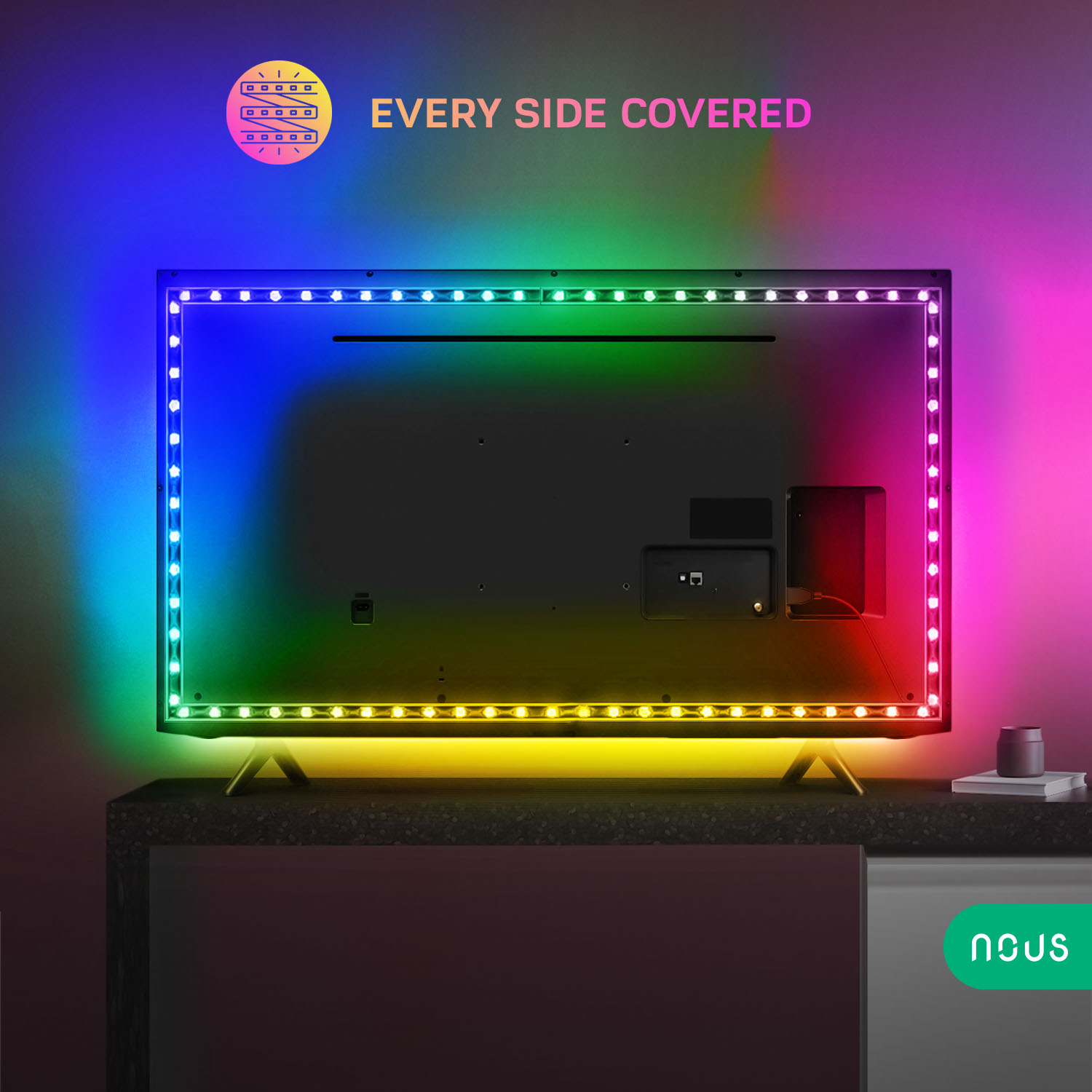

If you are looking for a smart home device that can transform your living space with stunning lighting effects, look no further than the Nous F9 2m Smart RGBIC WIFI LED TV Strip. This product is a smart wifi led strip with RGBIC lights that made for your TV or gaming monitor with RGB lights that can create millions of colors and patterns to suit your mood and occasion.
The RGBIC technology allows each LED to display different colors independently, creating stunning rainbow effects.
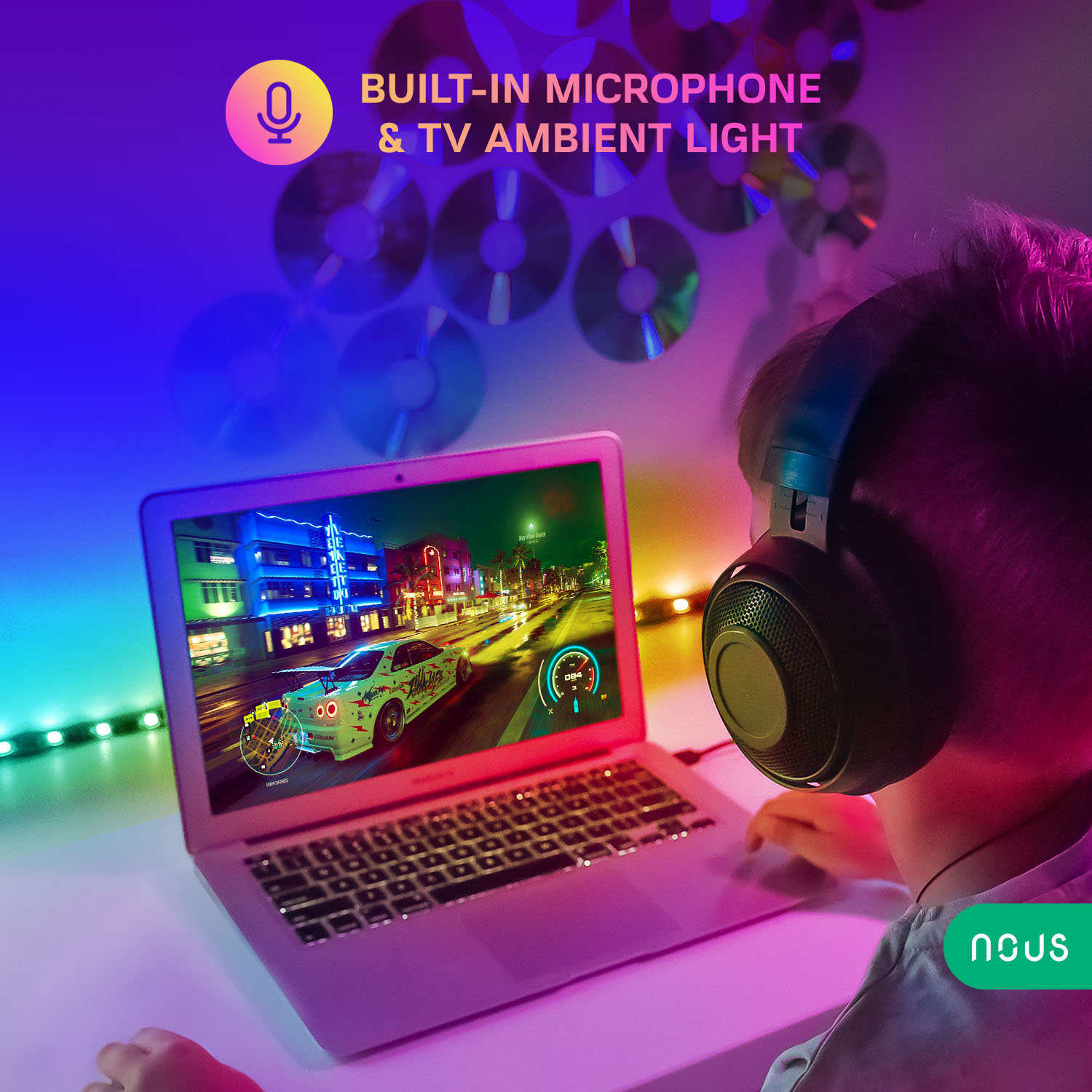
It can sync with the music and sound of your TV and create dynamic lighting effects that match the rhythm and mood of your content. You can also use it as a backlight for your TV to reduce eye strain and improve contrast. Whether you are watching a movie, playing a game, or listening to music, the Nous F9 can enhance your entertainment experience.
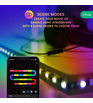
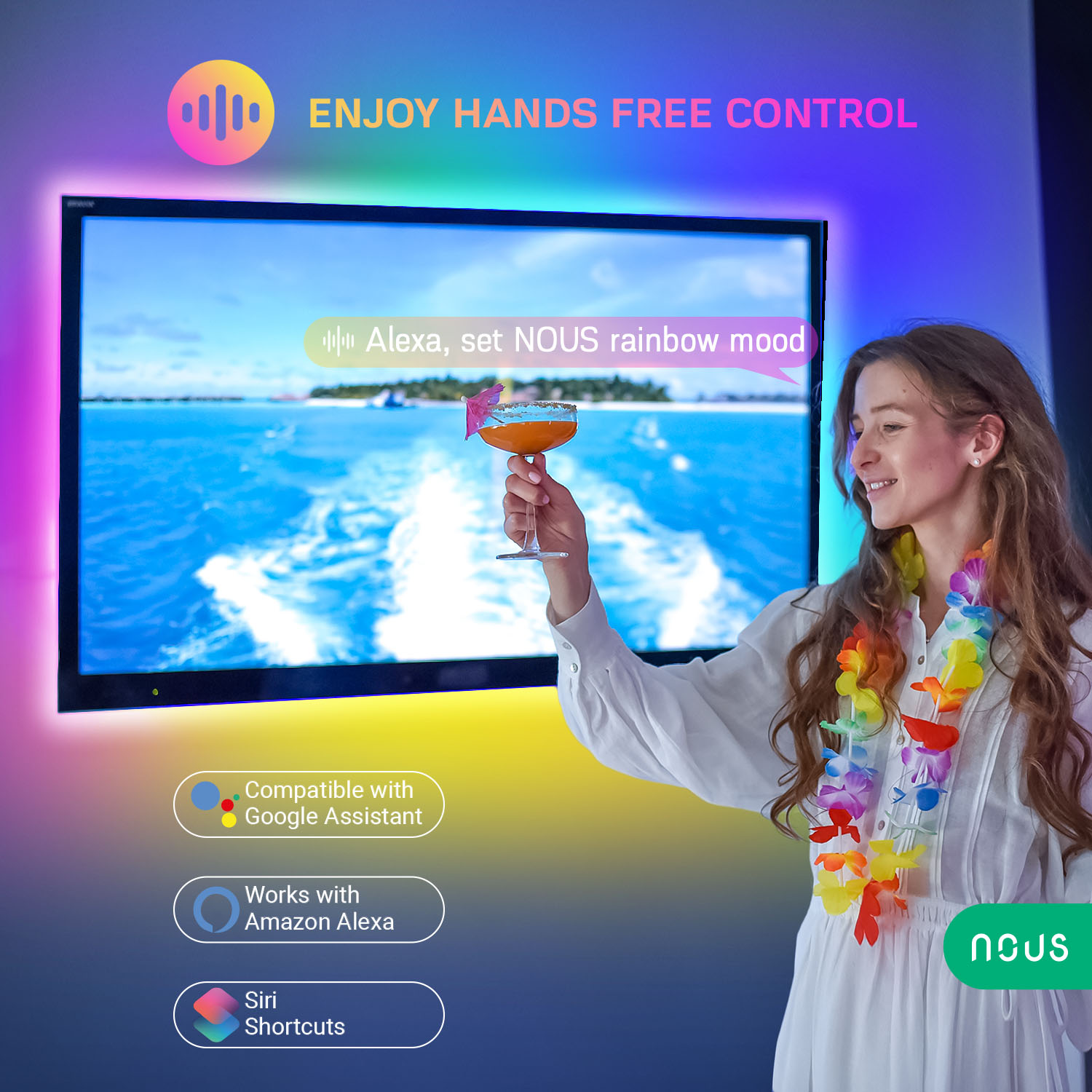
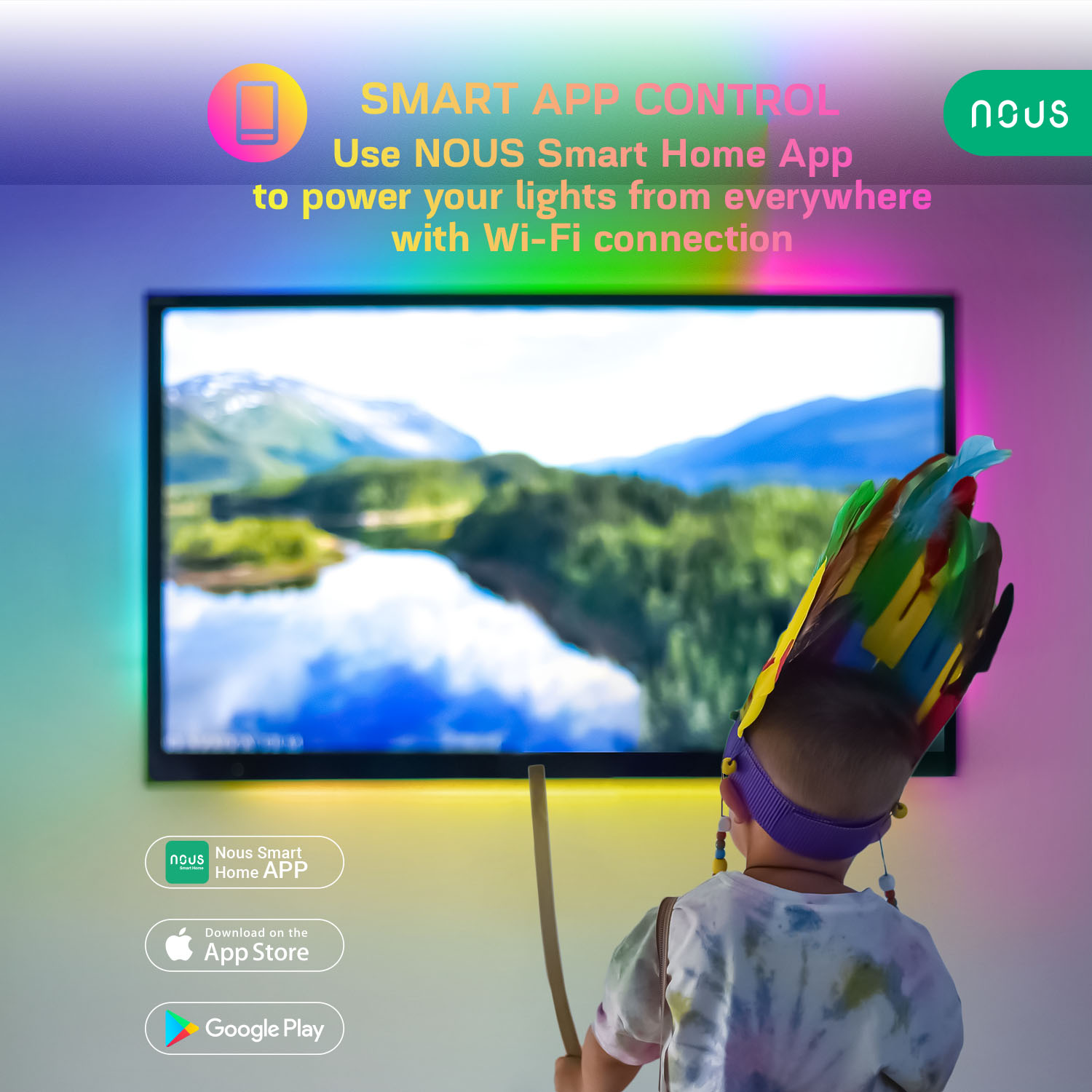
You can control it with your smartphone using the Nous Smart app or the Tuya Smart Life app, or with your voice using Alexa or Google Assistant. You can also sync it with your music and use the light strip for parties, holidays, events or special occasions to impress your guests with dazzling colors and effects.
Smart home devices are gadgets that can connect to the internet and be controlled remotely or with voice commands. They can make your life easier, more convenient, and more fun by automating tasks, saving energy, and enhancing your entertainment. With smart home devices, you can turn your house into a smart house that responds to your needs and preferences.
The Nous Smart LED Strip is one of the best smart home devices for lighting. It is easy to install and use, and it can fit any space and surface. You can use it as a ceiling light, a wall light, an under cabinet light, a TV backlight, or a mood light for your bedroom, bathroom, kitchen, office, living room, or any other room. You can also cut it to the desired length and shape it to fit corners and curves.
Nous LED Strips are compatible with Nous smart home app and Tuya smart home solutions. You can create scenes and routines to automate your lighting according to the time of day, the weather, or your activities. For example, you can set it to wake you up gently with a sunrise effect in the morning, or to dim gradually as you fall asleep at night.
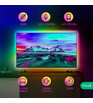
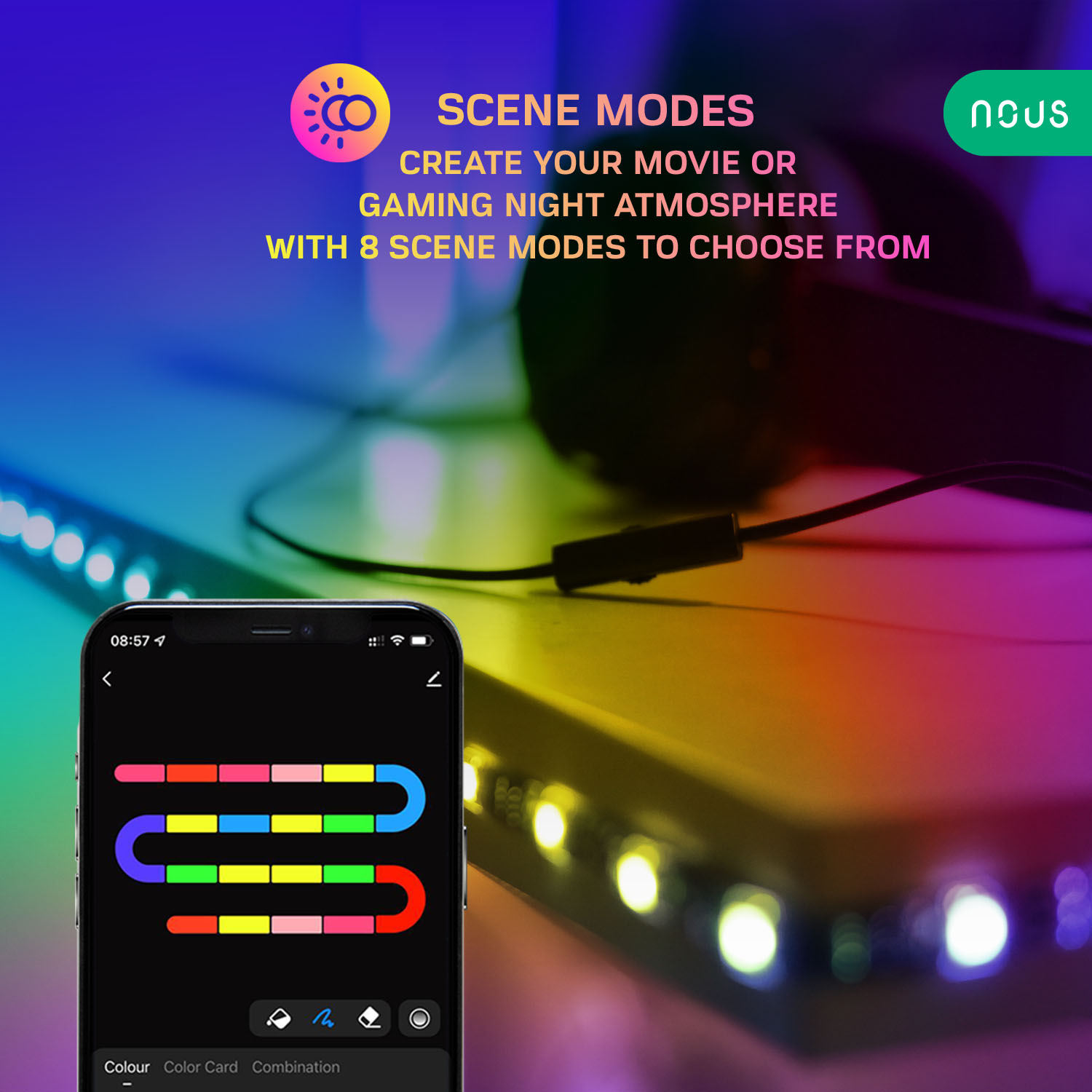
WIFI LED Strip from Nous is a smart device for home that offers you endless possibilities to customize your lighting. You can choose from 16 million colors and adjust the brightness, saturation, and speed of the effects. You can also select from various modes such as flash, strobe, fade, smooth, or music. You can change the color and mode with a simple tap on your phone or a voice command.
You also can use it to:
The Nous F9 2m Smart RGBIC WIFI LED TV Strip is a smart gadget for home that will make your home more beautiful and enjoyable. It is a high-quality product that uses low-voltage power and has a long lifespan. It is also safe and eco-friendly, as it does not emit heat or UV rays, it also has a short-circuit protection.
If you want to experience the benefits of smart home lighting, order the Nous Led Strip today and get ready to be amazed by its performance and versatility. It is a smart home device that will make your home smarter and brighter.
| Main settings | |
|---|---|
| Brand | Nous |
| Colour | Black |
| Special features | IC(independent colors), Sound Effects, Timer |
| Electric power | 5W (5V, 1A) |
| Certificate | CE, RoHS |
| RGB | 16 mln colors |
| Purpose | TV ambient light |
| Specifications | |
| Operating temperature | -20℃+45℃ |
| Life time | 25000 h |
| Color Rendering Index (Ra) | ≥ 80 |
| Level of moisture protection | IP44 |
| LED type | SMD 5050 LED+IC |
| Voltage | 5V |
| Strip length | 2m roll |
| Strip width | 10mm |
| The ability to crop | at cutting marks |
| Network | |
| Communication standard | Wi-Fi 2.4GHz |
| Control from a smartphone | Nous smart Home app, Tuya Smart App |
| Compatibility with voice assistants | Alexa, Google Assistant, Siri shortcuts |
| Other | |
| Warranty | 24 months |
Instruction manual
Smart RGBIC TV Led Strip 2m
You will need Nous Smart Home App. Scan the QR code or download it from direct link

How to add your device to the Nous Smart app

- Connect led strip and controller together
- Plug in the power adapter
- Make sure that strip is blinking rapidly(if not, hold power button on controller for 10 seconds untill it starts blinking fast or disconnect and connect power adapter 5 times)
- Turn on Bluetooth and Location on your phone(temporarily)
- Open Nous Smart app (register in app if needed)
- Press + and Add device
- Autoscan will appear and it will suggest you to add new device (or you can pick led strip category, press led strip and connect it manually)
- Confirm connection and your WiFi network data
- Start pairing
- After pairing is done, you can rename your device if you wish and its ready to be used
How to connect your device with Alexa
- You have to have Alexa app on youe smartphone
- Go to settings and press "Skill and Games"
- Search for the Nous Smart Home skill
- Enable it
- Link you Nous account with Alexa
- Ask Alexa to discover new devices


How to connect your device with Google Home
- You have to have Google Home app on your smartphone
- Go the the home settings and press "works with google"
- Search for the Nous Smart Home
- Link the account with the Google Home
- All devices from Nous Smart app will appear in Google Home after synchronization


How to disconnect and wipe all data

Instrukcja obsługi
Inteligentna taśma TV LED RGBIC 2m
Będziesz potrzebować aplikacji Nous Smart Home. Zeskanuj kod QR lub pobierz go z bezpośredniego linku
Jak dodać urządzenie do aplikacji Nous Smart
- Połącz pasek led i kontroler razem
- Podłącz zasilacz
- Upewnij się, że pasek szybko miga (jeśli nie, przytrzymaj przycisk zasilania na kontrolerze przez 10 sekund, aż zacznie szybko migać lub odłącz i podłącz zasilacz 5 razy )
- Włącz Bluetooth i Lokalizację w telefonie (tymczasowo)
- Otwórz aplikację Nous Smart (w razie potrzeby zarejestruj się w aplikacji)
- Naciśnij + i Dodaj urządzenie
- Pojawi się Autoscan i zasugeruje dodanie nowego urządzenia (lub możesz wybrać kategorię taśmy led, nacisnąć taśmę led i podłączyć ją ręcznie )
- Potwierdź połączenie i dane swojej sieci Wi-Fi
- Rozpocznij parowanie
- Po zakończeniu parowania możesz zmienić nazwę urządzenia, jeśli chcesz i jest gotowe do użycia
Jak połączyć urządzenie z Alexa
- Musisz mieć aplikację Alexa na swoim smartfonie
- Przejdź do ustawień i naciśnij „Umiejętności i gry”
- Wyszukaj umiejętność Nous Smart Home
- Odblokuj to
- Połącz swoje konto Nous z Alexa
- Poproś Alexę o odkrycie nowych urządzeń
Jak połączyć urządzenie z Google Home
- Musisz mieć aplikację Google Home na swoim smartfonie
- Przejdź do ustawień domowych i naciśnij "współpracuje z google"
- Wyszukaj Nous Smart Home
- Połącz konto z Google Home
- Wszystkie urządzenia z aplikacji Nous Smart pojawią się w Google Home po synchronizacji
Jak odłączyć i wyczyścić wszystkie dane


Посібник з експлуатації
Розумна світлодіодна ТВ стрічка RGBIC 2м
Вам знадобиться додаток Nous Smart Home. Відскануйте QR-код або завантажте його за прямим посиланням
Як додати свій пристрій до програми Nous Smart
- З’єднайте світлодіодну стрічку та контролер
- Підключіть адаптер живлення
- Переконайтеся, що смужка швидко блимає (якщо ні, утримуйте кнопку живлення на контролері протягом 10 секунд, поки вона не почне швидко блимати, або від’єднайте та під’єднайте адаптер живлення 5 разів )
- Увімкніть Bluetooth і геодані на телефоні (тимчасово)
- Відкрийте додаток Nous Smart (за потреби зареєструйтеся в додатку)
- Натисніть + і Додати пристрій
- З’явиться автосканування, яке запропонує вам додати новий пристрій (або ви можете вибрати категорію світлодіодної стрічки, натиснути світлодіодну стрічку та підключити її вручну )
- Підтвердьте підключення та дані мережі WiFi
- Почати створення пари
- Після створення пари ви можете перейменувати свій пристрій, якщо хочете, і він готовий до використання
Як підключити свій пристрій до Alexa
- Ви повинні мати додаток Alexa на своєму смартфоні
- Зайдіть в налаштування і натисніть «Навички та ігри»
- Знайдіть навичку Nous Smart Home
- Увімкніть це
- Пов’яжіть свій обліковий запис Nous із Alexa
- Попросіть Alexa відкрити нові пристрої
Як підключити свій пристрій до Google Home
- Ви повинні мати додаток Google Home на своєму смартфоні
- Перейдіть у домашні налаштування та натисніть «працює з Google»
- Знайдіть Nous Smart Home
- Зв’яжіть обліковий запис із Google Home
- Усі пристрої з програми Nous Smart після синхронізації з’являться в Google Home
Як відключити та стерти всі дані
Bedienungsanleitung
Intelligenter TV RGBIC LED-Streifen 2m
Sie benötigen die Nous Smart Home App. Scannen Sie den QR-Code oder laden Sie ihn über den direkten Link herunter
So fügen Sie Ihr Gerät zur Nous Smart-App hinzu
- Verbinden Sie den LED-Streifen und den Controller miteinander
- Schließen Sie das Netzteil an
- Stellen Sie sicher, dass der Streifen schnell blinkt (wenn nicht, halten Sie den Netzschalter am Controller 10 Sekunden lang gedrückt, bis er schnell zu blinken beginnt, oder trennen und verbinden Sie das Netzteil 5 Mal ) .
- Aktivieren Sie Bluetooth und Standort auf Ihrem Telefon (vorübergehend)
- Öffnen Sie die Nous Smart App (registrieren Sie sich bei Bedarf in der App)
- Drücken Sie + und Gerät hinzufügen
- Autoscan wird angezeigt und schlägt Ihnen vor, ein neues Gerät hinzuzufügen (oder Sie können die Kategorie der LED-Streifen auswählen, auf den LED-Streifen drücken und ihn manuell anschließen ) .
- Bestätigen Sie die Verbindung und Ihre WLAN-Netzwerkdaten
- Starten Sie die Kopplung
- Nachdem die Kopplung abgeschlossen ist, können Sie Ihr Gerät bei Bedarf umbenennen und es ist einsatzbereit
So verbinden Sie Ihr Gerät mit Alexa
- Sie müssen die Alexa-App auf Ihrem Smartphone haben
- Gehen Sie zu den Einstellungen und drücken Sie "Skill and Games"
- Suchen Sie nach dem Skill Nous Smart Home
- Aktivieren Sie es
- Verknüpfen Sie Ihr Nous-Konto mit Alexa
- Bitten Sie Alexa, neue Geräte zu entdecken
So verbinden Sie Ihr Gerät mit Google Home
- Sie müssen die Google Home-App auf Ihrem Smartphone haben
- Gehen Sie zu den Home-Einstellungen und drücken Sie "Works with Google"
- Suchen Sie nach dem Nous Smart Home
- Verknüpfen Sie das Konto mit Google Home
- Alle Geräte der Nous Smart App werden nach der Synchronisierung in Google Home angezeigt
So trennen Sie die Verbindung und löschen alle Daten
Instrukcijų vadovas
Smart RGBIC TV LED juostelė 2m
Jums reikės „Nous Smart Home“ programos. Nuskaitykite QR kodą arba atsisiųskite jį iš tiesioginės nuorodos
Kaip pridėti įrenginį prie „Nous Smart“ programos
- Sujunkite LED juostelę ir valdiklį
- Prijunkite maitinimo adapterį
- Įsitikinkite, kad juostelė greitai mirksi (jei ne, laikykite nuspaudę valdiklio maitinimo mygtuką 10 sekundžių, kol pradės greitai mirksėti, arba atjunkite ir prijunkite maitinimo adapterį 5 kartus )
- Įjunkite „Bluetooth“ ir „Location“ savo telefone (laikinai)
- Atidarykite „Nous Smart“ programą (jei reikia, užsiregistruokite programėlėje)
- Paspauskite + ir Pridėti įrenginį
- Atsiras automatinis nuskaitymas ir pasiūlys pridėti naują įrenginį (arba galite pasirinkti LED juostos kategoriją, paspausti LED juostelę ir prijungti ją rankiniu būdu )
- Patvirtinkite ryšį ir WiFi tinklo duomenis
- Pradėkite poruoti
- Baigę susiejimą, galite pervardyti įrenginį, jei norite ir jis paruoštas naudoti
Kaip prijungti įrenginį prie „Alexa“.
- Išmaniajame telefone turite turėti „Alexa“ programą
- Eikite į nustatymus ir paspauskite „Įgūdžiai ir žaidimai“
- Ieškokite Nous Smart Home įgūdžių
- Įjunkite
- Susiekite savo Nous paskyrą su Alexa
- Paprašykite Alexa atrasti naujų įrenginių
Kaip prijungti įrenginį prie „Google Home“.
- Išmaniajame telefone turite turėti „Google Home“ programą
- Eikite į namų nustatymus ir paspauskite "veikia su Google"
- Ieškokite „Nous Smart Home“.
- Susiekite paskyrą su „Google Home“.
- Visi įrenginiai iš „Nous Smart“ programos po sinchronizavimo bus rodomi „Google Home“.
Kaip atjungti ir ištrinti visus duomenis
Manuale di istruzioni
Smart TV RGBIC Striscia Led 2m
Avrai bisogno dell'app Nous Smart Home. Scansiona il codice QR o scaricalo dal link diretto
Come aggiungere il tuo dispositivo all'app Nous Smart
- Collegare la striscia led e il controller insieme
- Collegare l'adattatore di alimentazione
- Assicurati che la striscia lampeggi rapidamente (in caso contrario, tieni premuto il pulsante di accensione sul controller per 10 secondi fino a quando non inizia a lampeggiare velocemente o scollega e collega l'adattatore di alimentazione 5 volte )
- Attiva Bluetooth e posizione sul telefono (temporaneamente)
- Apri l'app Nous Smart (registrati nell'app se necessario)
- Premi + e Aggiungi dispositivo
- Apparirà Autoscan e ti suggerirà di aggiungere un nuovo dispositivo (oppure puoi selezionare la categoria della striscia led, premere la striscia led e collegarla manualmente )
- Conferma la connessione e i dati della tua rete WiFi
- Inizia l'abbinamento
- Al termine dell'associazione, puoi rinominare il tuo dispositivo se lo desideri ed è pronto per essere utilizzato
Come connettere il tuo dispositivo con Alexa
- Devi avere l'app Alexa sul tuo smartphone
- Vai alle impostazioni e premi "Abilità e giochi"
- Cerca l'abilità Nous Smart Home
- Abilitalo
- Collega il tuo account Nous con Alexa
- Chiedi ad Alexa di scoprire nuovi dispositivi
Come connettere il tuo dispositivo con Google Home
- Devi avere l'app Google Home sul tuo smartphone
- Vai alle impostazioni di casa e premi "funziona con google"
- Cerca Nous Smart Home
- Collega l'account a Google Home
- Tutti i dispositivi dell'app Nous Smart appariranno in Google Home dopo la sincronizzazione
Come disconnettere e cancellare tutti i dati
Manual de instrucciones
Tira Led Smart RGBIC TV 2m
Necesitará la aplicación Nous Smart Home. Escanee el código QR o descárguelo desde el enlace directo
Cómo añadir tu dispositivo a la app Nous Smart
- Conecte la tira de led y el controlador juntos
- Enchufe el adaptador de corriente
- Asegúrese de que la tira parpadee rápidamente (si no, mantenga presionado el botón de encendido en el controlador durante 10 segundos hasta que comience a parpadear rápidamente o desconecte y conecte el adaptador de corriente 5 veces )
- Active Bluetooth y ubicación en su teléfono (temporalmente)
- Abra la aplicación Nous Smart (regístrese en la aplicación si es necesario)
- Presione + y Agregar dispositivo
- Aparecerá el escaneo automático y le sugerirá que agregue un nuevo dispositivo (o puede elegir la categoría de tira de LED, presionar la tira de LED y conectarla manualmente )
- Confirma la conexión y los datos de tu red WiFi
- Empezar a emparejar
- Una vez realizado el emparejamiento, puede cambiar el nombre de su dispositivo si lo desea y está listo para ser utilizado
Cómo conectar tu dispositivo con Alexa
- Tienes que tener la aplicación Alexa en tu teléfono inteligente
- Ve a la configuración y presiona "Habilidad y Juegos"
- Busca la skill Nous Smart Home
- Permitirle
- Vincula tu cuenta de Nous con Alexa
- Pídele a Alexa que descubra nuevos dispositivos
Cómo conectar tu dispositivo con Google Home
- Tienes que tener la aplicación Google Home en tu smartphone
- Vaya a la configuración de inicio y presione "funciona con google"
- Busca la Casa Inteligente Nous
- Vincular la cuenta con Google Home
- Todos los dispositivos de la aplicación Nous Smart aparecerán en Google Home después de la sincronización
Cómo desconectar y borrar todos los datos
Instrukcijas
Viedā RGBIC TV LED sloksne 2m
Jums būs nepieciešama lietotne Nous Smart Home. Skenējiet QR kodu vai lejupielādējiet to no tiešās saites
Kā pievienot savu ierīci lietotnei Nous Smart
- Savienojiet LED lenti un kontrolieri kopā
- Pievienojiet strāvas adapteri
- Pārliecinieties, vai josla ātri mirgo (ja nē, turiet nospiestu barošanas pogu uz kontrollera 10 sekundes, līdz tā sāk ātri mirgot, vai atvienojiet un pievienojiet strāvas adapteri 5 reizes )
- Tālrunī ieslēdziet Bluetooth un atrašanās vietu (īslaicīgi)
- Atveriet lietotni Nous Smart (ja nepieciešams, reģistrējieties lietotnē)
- Nospiediet + un pievienojiet ierīci
- Parādīsies automātiskā skenēšana un ieteiks pievienot jaunu ierīci (vai arī varat izvēlēties LED lentes kategoriju, nospiest LED lenti un savienot to manuāli )
- Apstipriniet savienojumu un WiFi tīkla datus
- Sāciet savienošanu pārī
- Kad savienošana pārī ir pabeigta, varat pārdēvēt ierīci, ja vēlaties un tā ir gatava lietošanai
Kā savienot ierīci ar Alexa
- Viedtālrunī ir jābūt lietotnei Alexa
- Dodieties uz iestatījumiem un nospiediet "Prasme un spēles"
- Meklējiet prasmi Nous Smart Home
- Iespējojiet to
- Saistiet savu Nous kontu ar Alexa
- Lūdziet Alexa atklāt jaunas ierīces
Kā savienot ierīci ar Google sākumlapu
- Viedtālrunī ir jābūt lietotnei Google Home
- Atveriet mājas iestatījumus un nospiediet "darbojas ar Google"
- Meklējiet Nous Smart Home
- Saistiet kontu ar Google sākumlapu
- Visas ierīces no lietotnes Nous Smart pēc sinhronizācijas parādīsies pakalpojumā Google Home
Kā atvienot un notīrīt visus datus
Manuel d'instructions
Bande Led Smart RGBIC TV 2m
Vous aurez besoin de l'application Nous Smart Home. Scannez le code QR ou téléchargez-le à partir du lien direct
Comment ajouter votre appareil à l'application Nous Smart
- Connectez la bande led et le contrôleur ensemble
- Branchez l'adaptateur secteur
- Assurez-vous que la bande clignote rapidement (sinon, maintenez le bouton d'alimentation sur le contrôleur pendant 10 secondes jusqu'à ce qu'il commence à clignoter rapidement ou déconnectez et connectez l'adaptateur secteur 5 fois )
- Activez Bluetooth et Localisation sur votre téléphone (temporairement)
- Ouvrez l'application Nous Smart (enregistrez-vous dans l'application si nécessaire)
- Appuyez sur + et Ajouter un appareil
- Autoscan apparaîtra et vous suggérera d'ajouter un nouveau périphérique (ou vous pouvez choisir la catégorie de bande LED, appuyer sur la bande LED et la connecter manuellement )
- Confirmez la connexion et les données de votre réseau WiFi
- Commencer l'appairage
- Une fois l'appairage terminé, vous pouvez renommer votre appareil si vous le souhaitez et il est prêt à être utilisé
Comment connecter votre appareil avec Alexa
- Vous devez avoir l'application Alexa sur votre smartphone
- Allez dans les paramètres et appuyez sur "Compétences et jeux"
- Rechercher la compétence Nous Smart Home
- Activez-le
- Associez votre compte Nous à Alexa
- Demandez à Alexa de découvrir de nouveaux appareils
Comment connecter votre appareil à Google Home
- Vous devez avoir l'application Google Home sur votre smartphone
- Allez dans les paramètres d'accueil et appuyez sur "fonctionne avec google"
- Rechercher la maison intelligente Nous
- Associez le compte à Google Home
- Tous les appareils de l'application Nous Smart apparaîtront dans Google Home après la synchronisation
Comment déconnecter et effacer toutes les données
Kasutusjuhend
Nutikas RGBIC TV LED-riba 2m
Teil on vaja Nous Smart Home rakendust. Skannige QR-kood või laadige see alla otselingilt
Kuidas lisada oma seade Nous Smarti rakendusse
- Ühendage LED-riba ja kontroller kokku
- Ühendage toiteadapter
- Veenduge, et riba vilgub kiiresti (kui ei, hoidke toitenuppu all kontrolleril 10 sekundit, kuni see hakkab kiiresti vilkuma, või ühendage lahti ja ühendage toiteadapter 5 korda )
- Lülitage oma telefonis sisse Bluetooth ja Asukoht (ajutiselt)
- Avage rakendus Nous Smart (vajadusel registreeruge rakenduses)
- Vajutage + ja Lisa seade
- Ilmub automaatskaneerimine ja see soovitab teil lisada uue seadme (või saate valida LED-riba kategooria, vajutada LED-riba ja ühendada see käsitsi )
- Kinnitage ühendus ja WiFi-võrgu andmed
- Alusta sidumist
- Pärast sidumist saate oma seadme soovi korral ümber nimetada ja see on kasutamiseks valmis
Kuidas ühendada oma seade Alexaga
- Teie nutitelefonis peab olema Alexa rakendus
- Minge seadetesse ja vajutage "Oskused ja mängud"
- Otsige Nous Smart Home oskust
- Luba see
- Linkige oma Nousi konto Alexaga
- Paluge Alexal uusi seadmeid avastada
Seadme ühendamine Google Home'iga
- Teie nutitelefonis peab olema rakendus Google Home
- Avage koduseaded ja klõpsake nuppu "Töötab Google'iga"
- Otsige üles Nous Smart Home
- Linkige konto Google Home'iga
- Kõik rakenduse Nous Smart seadmed kuvatakse pärast sünkroonimist Google Home'is
Kuidas lahti ühendada ja kustutada kõik andmed
Návod na použitie
Smart RGBIC TV LED pásik 2m
Budete potrebovať aplikáciu Nous Smart Home. Naskenujte QR kód alebo si ho stiahnite z priameho odkazu
Ako pridať svoje zariadenie do aplikácie Nous Smart
- Pripojte LED pásik a ovládač dohromady
- Zapojte napájací adaptér
- Uistite sa, že prúžok rýchlo bliká (ak nie, podržte tlačidlo napájania na ovládači 10 sekúnd, kým nezačne rýchlo blikať, alebo 5-krát odpojte a pripojte napájací adaptér )
- Zapnite Bluetooth a určovanie polohy v telefóne (dočasne)
- Otvorte aplikáciu Nous Smart (v prípade potreby sa zaregistrujte v aplikácii)
- Stlačte + a Pridať zariadenie
- Objaví sa Autoscan a navrhne vám pridať nové zariadenie (alebo si môžete vybrať kategóriu LED pásika, stlačiť LED pásik a pripojiť ho manuálne )
- Potvrďte pripojenie a údaje siete WiFi
- Spustite párovanie
- Po dokončení spárovania môžete svoje zariadenie podľa potreby premenovať a je pripravené na použitie
Ako pripojiť vaše zariadenie k Alexa
- Na svojom smartfóne musíte mať aplikáciu Alexa
- Prejdite do nastavení a stlačte "Skill and Games"
- Vyhľadajte zručnosť Nous Smart Home
- Povoľte to
- Prepojte svoj účet Nous s Alexou
- Požiadajte Alexu, aby objavila nové zariadenia
Ako pripojiť zariadenie k domovskej stránke Google
- Vo svojom smartfóne musíte mať aplikáciu Google Home
- Prejdite do nastavení domácnosti a stlačte „funguje s google“
- Vyhľadajte inteligentný dom Nous
- Prepojte účet so zariadením Google Home
- Všetky zariadenia z aplikácie Nous Smart sa po synchronizácii zobrazia v Google Home
Ako odpojiť a vymazať všetky údaje
Manual de instructiuni
Bandă LED Smart RGBIC TV 2m
Veți avea nevoie de aplicația Nous Smart Home. Scanați codul QR sau descărcați-l de pe linkul direct
Cum să adăugați dispozitivul la aplicația Nous Smart
- Conectați banda LED și controlerul împreună
- Conectați adaptorul de alimentare
- Asigurați-vă că banda clipește rapid (dacă nu, țineți apăsat butonul de alimentare de pe controler timp de 10 secunde până când începe să clipească rapid sau deconectați și conectați adaptorul de alimentare de 5 ori )
- Activați Bluetooth și Locația pe telefon (temporar)
- Deschideți aplicația Nous Smart (înregistrați-vă în aplicație dacă este necesar)
- Apăsați + și Adăugați dispozitiv
- Autoscan va apărea și vă va sugera să adăugați un dispozitiv nou (sau puteți alege categoria de benzi cu LED-uri, apăsați pe bandă LED și conectați-o manual )
- Confirmați conexiunea și datele rețelei WiFi
- Începeți împerecherea
- După finalizarea împerecherii, puteți redenumi dispozitivul dacă doriți și este gata de utilizare
Cum să vă conectați dispozitivul la Alexa
- Trebuie să aveți aplicația Alexa pe smartphone
- Accesați setări și apăsați „Îndemânare și jocuri”
- Căutați competența Nous Smart Home
- Activează-l
- Conectați-vă contul Nous cu Alexa
- Cereți-i lui Alexa să descopere dispozitive noi
Cum să vă conectați dispozitivul la Google Home
- Trebuie să aveți aplicația Google Home pe smartphone
- Accesați setările de acasă și apăsați „funcționează cu Google”
- Căutați Nous Smart Home
- Conectați contul cu Google Home
- Toate dispozitivele din aplicația Nous Smart vor apărea în Google Home după sincronizare
Cum să deconectați și să ștergeți toate datele
Návod k použití
Smart RGBIC TV LED pásek 2m
Budete potřebovat aplikaci Nous Smart Home. Naskenujte QR kód nebo si jej stáhněte z přímého odkazu
Jak přidat zařízení do aplikace Nous Smart
- Připojte LED pásek a ovladač k sobě
- Zapojte napájecí adaptér
- Ujistěte se, že proužek rychle bliká (pokud ne, podržte tlačítko napájení na ovladači po dobu 10 sekund, dokud nezačne rychle blikat, nebo 5krát odpojte a připojte napájecí adaptér )
- Zapněte Bluetooth a určování polohy v telefonu (dočasně)
- Otevřete aplikaci Nous Smart (v případě potřeby se zaregistrujte v aplikaci)
- Stiskněte + a Přidat zařízení
- Objeví se Autoscan a navrhne vám přidat nové zařízení (nebo můžete vybrat kategorii LED pásku, stisknout LED pás a připojit jej ručně )
- Potvrďte připojení a údaje o vaší WiFi síti
- Spusťte párování
- Po dokončení spárování můžete své zařízení podle potřeby přejmenovat a je připraveno k použití
Jak propojit zařízení s Alexou
- Na svém smartphonu musíte mít aplikaci Alexa
- Přejděte do nastavení a stiskněte "Skill and Games"
- Hledejte dovednost Nous Smart Home
- Povolte to
- Propojte svůj účet Nous s Alexou
- Požádejte Alexu, aby objevila nová zařízení
Jak připojit zařízení k domovské stránce Google
- Na svém smartphonu musíte mít aplikaci Google Home
- Přejděte do nastavení domácnosti a stiskněte „funguje s google“
- Hledejte Nous Smart Home
- Propojte účet se zařízením Google Home
- Všechna zařízení z aplikace Nous Smart se po synchronizaci objeví v Google Home
Jak odpojit a vymazat všechna data