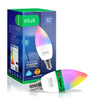
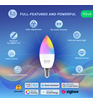
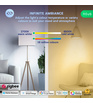
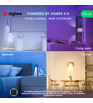
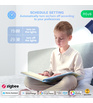
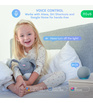
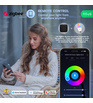
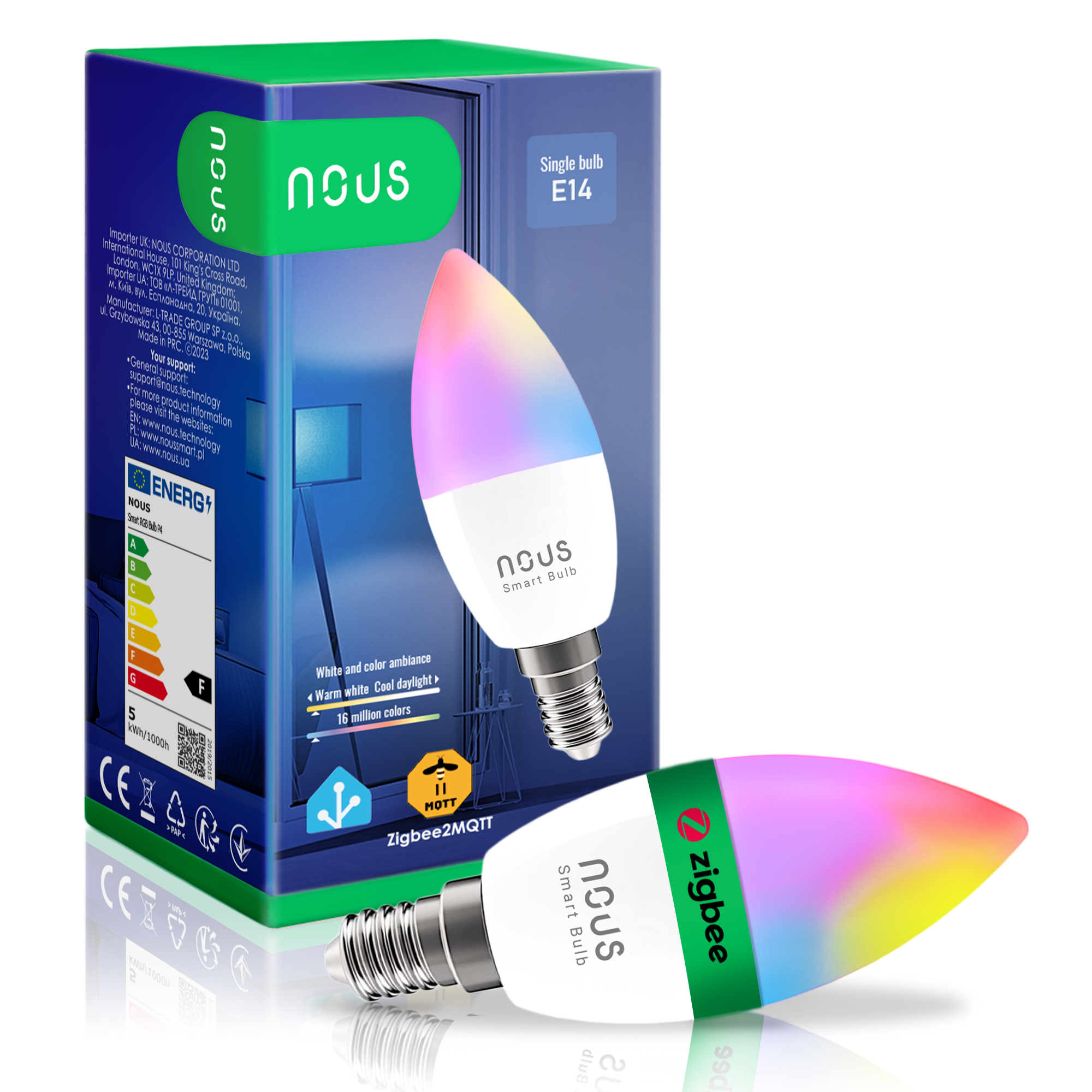
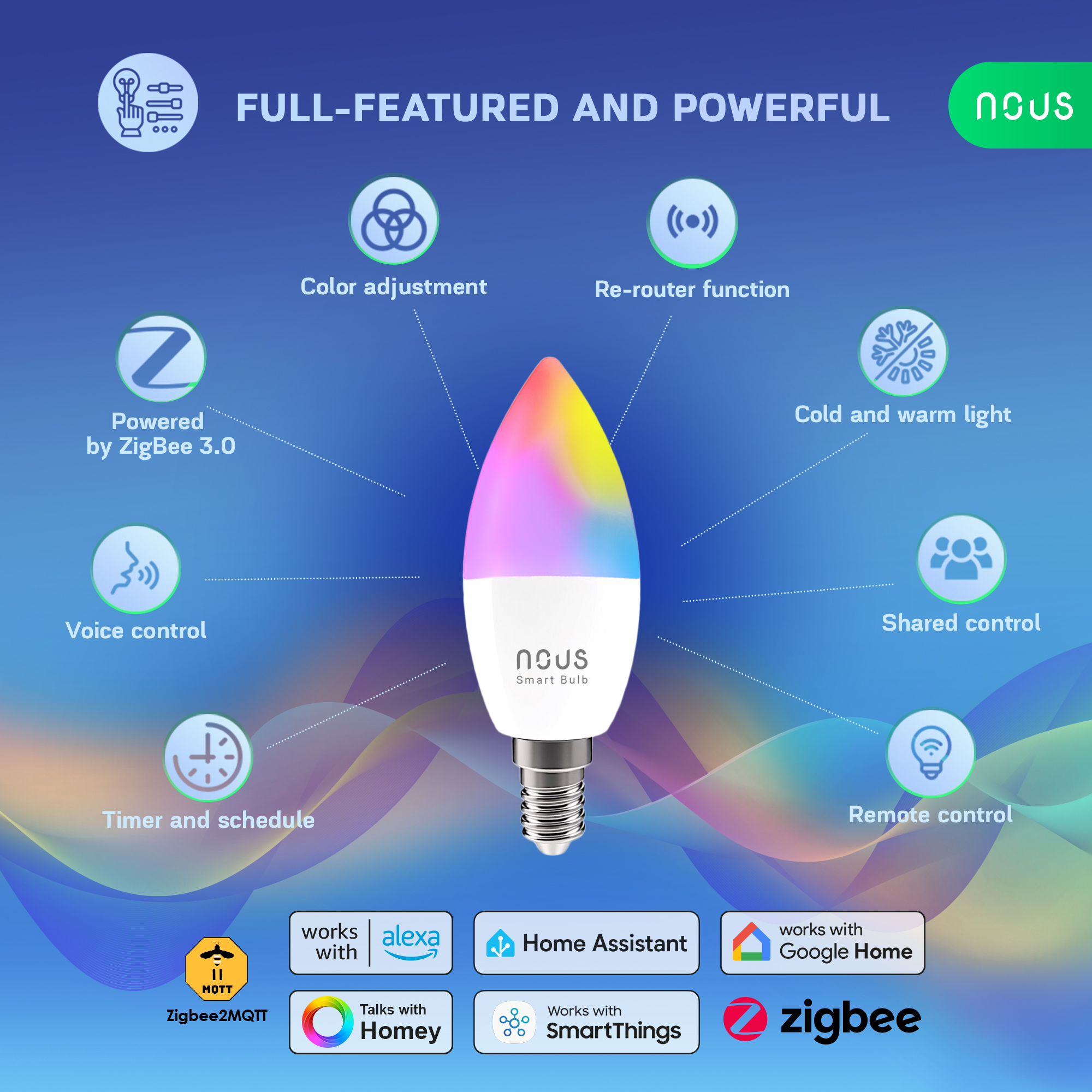
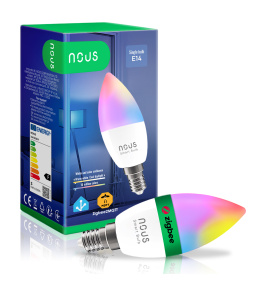
NOUS P4Z ZigBee Smart Bulb RGB E14
| Other | |
|---|---|
| Warranty | 24 Months |
| Comes in the box | Bulb, user manual, packaging |
| Network | |
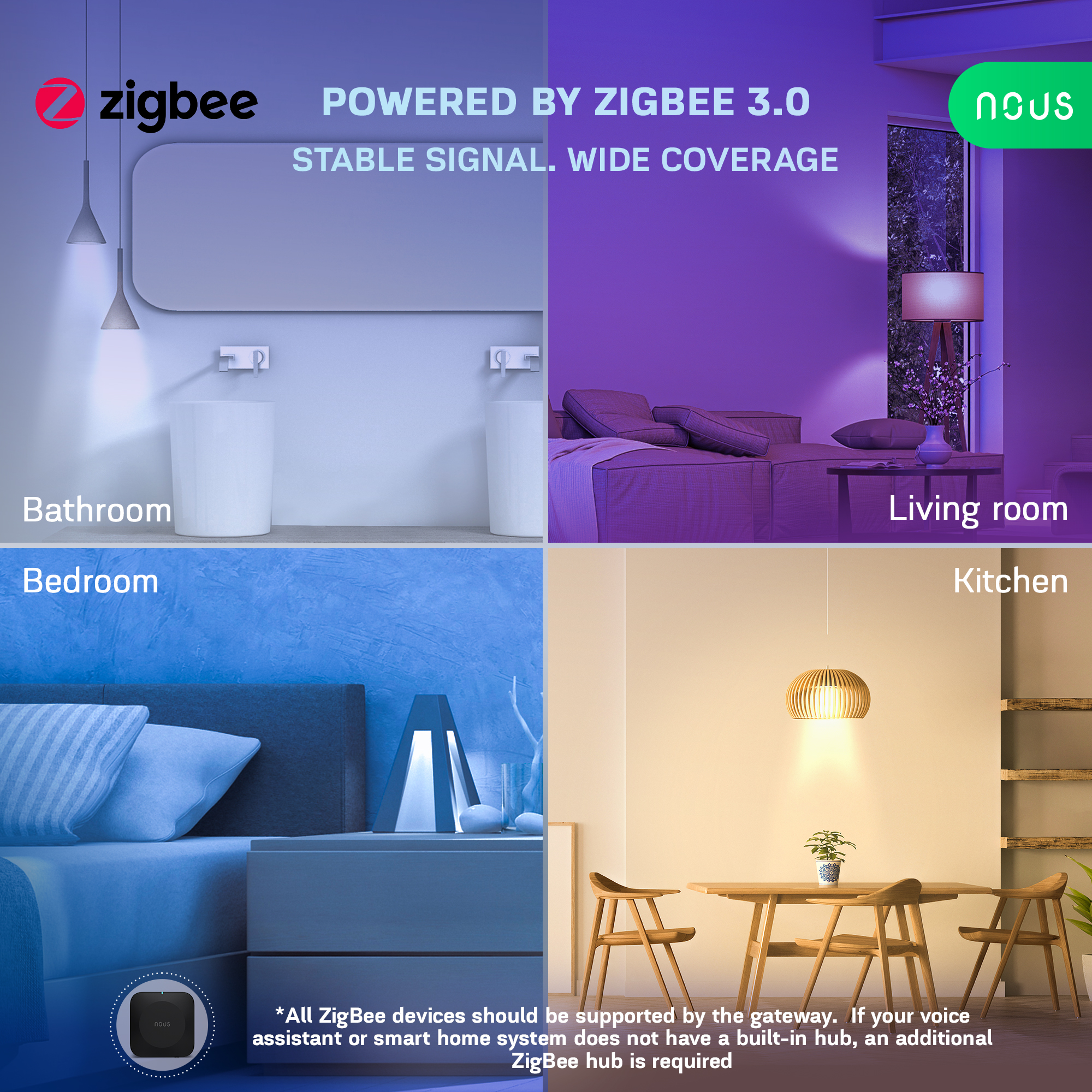
| Communication standard | ZigBee 3.0 |
| Protocol | 802.15.4 |
| System requirements | iOS 8 or Android 4.4 or higher |
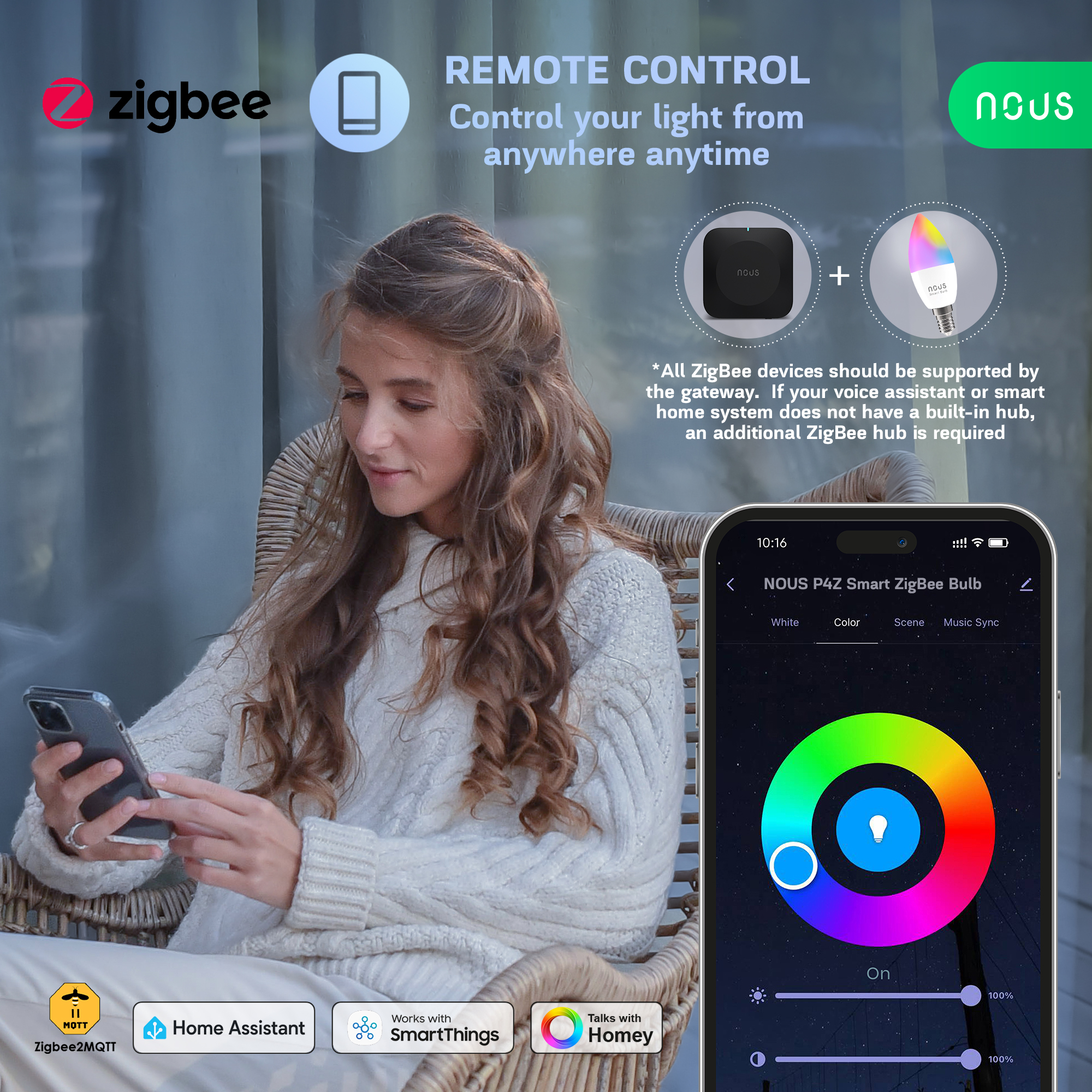
| Control from a smartphone | APP: NOUS Smart |
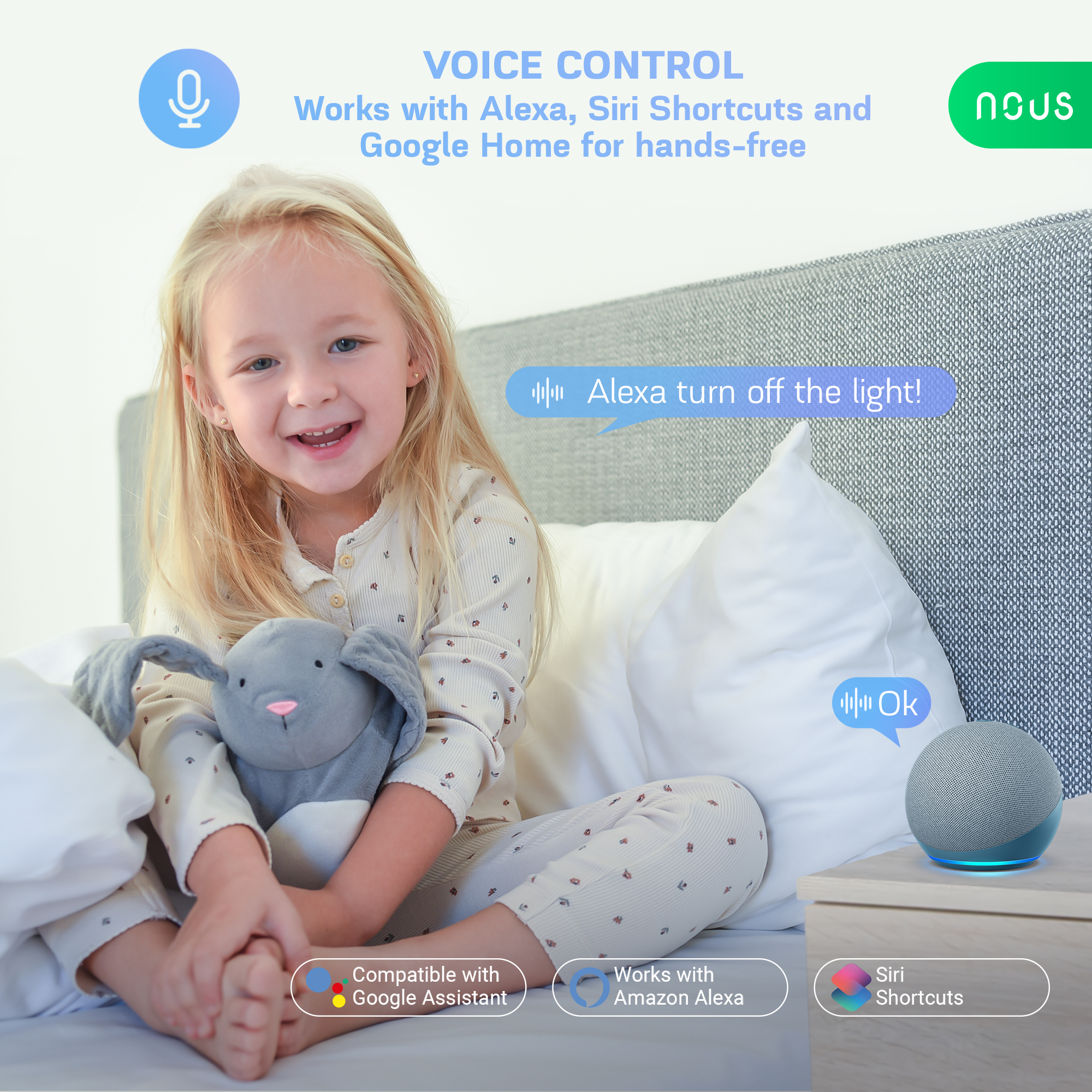
| Compatibility with voice assistants | Amazon Alexa, Google Home |
| Max.Transmit Power | 10 dBm |
| Specifications | |
| Operating voltage range | 220-240VAC |
| Level of moisture protection | IP20 |
| LED type | SMD |
| Life time | 30000 hours |
| Color Rendering Index (Ra) | >80 |
| Operating temperature | -20 ºC~ 40 ºC |
| Main settings | |
| Brand | NOUS |
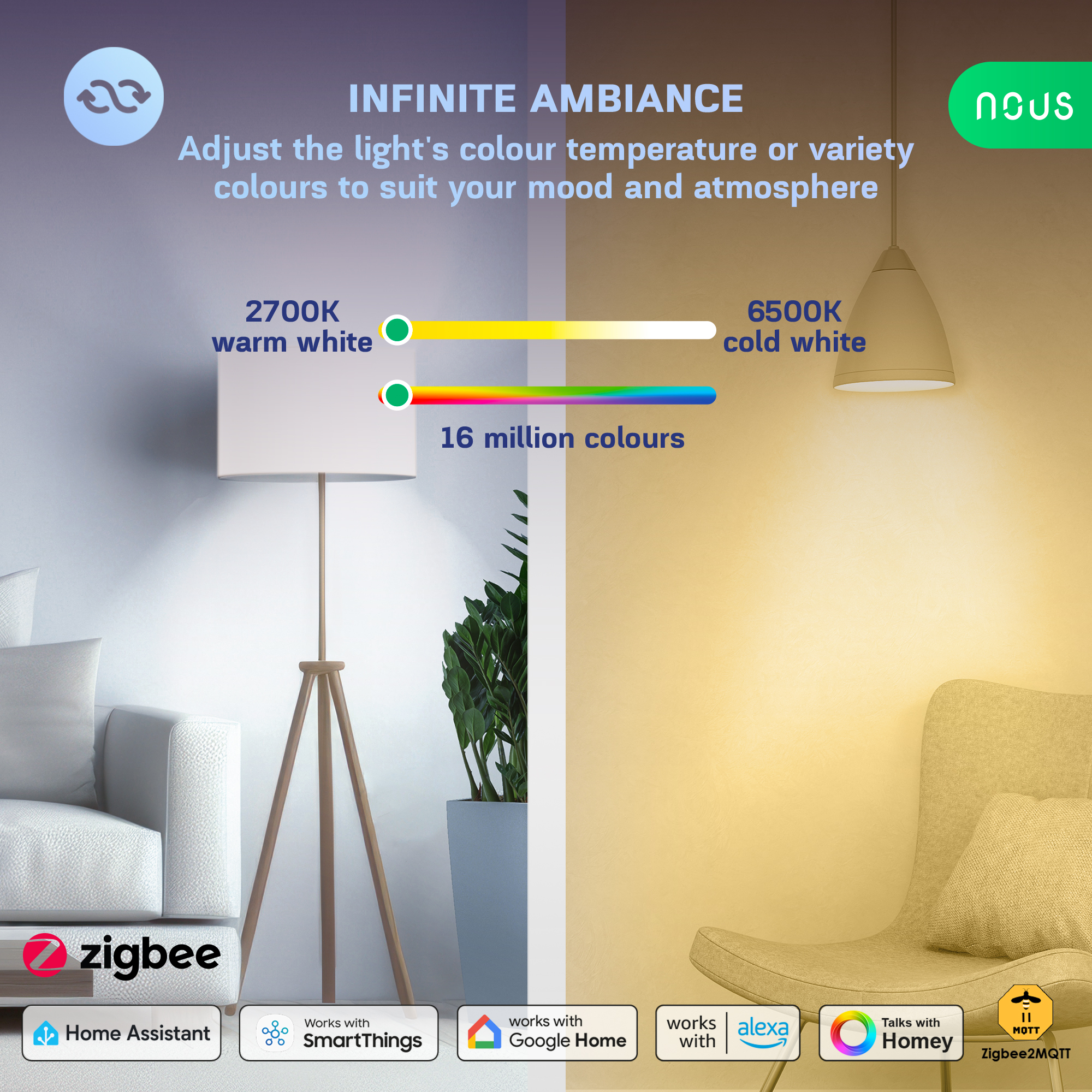
| Light temperature | 2700-6500K |
| Certificate | Amazon |
| RGB | 16 million colors |
| Base | Base E14 | Bulb C37 |
| Light flux | 450Lm |
| Electric power | 4.9W |
OPERATING MANUAL
1. DESCRIPTION
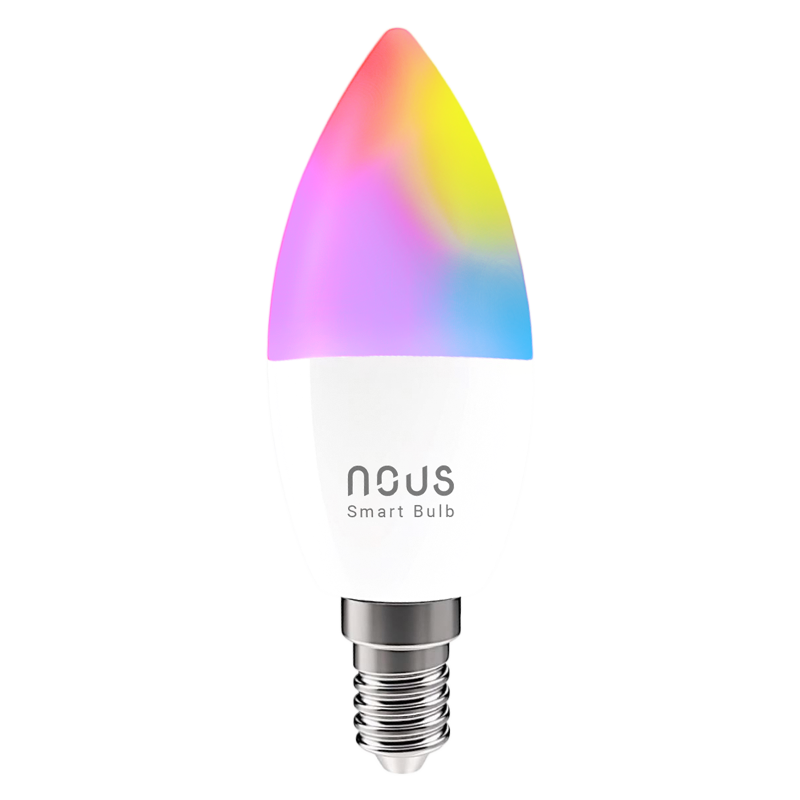 |
Smart ZigBee Bulb RGB P4Z
Network Protocol (ZigBee 3.0): IEEE 802.15.4
Zigbee Frequency: 2.400 - 2.483 GHz
Power: 4.9W
Lumen: 450Lm
Color Temperature: 2700K-6500K
RGB: 16 million colors
Max.Transmit Power: 10 dBm
Base E14 | Bulb C37
Rated Voltage: 220-240VAC
3. SAFETY AND PRECAUTIONARY MEASURES
- Please read this manual carefully.
- Use the product within the temperature and humidity limits specified in the technical data sheet.
- Do not install the product near heat sources such as radiators, etc.
- Do not allow the device to fall or be subject to mechanical stress.
- Do not use chemically active or abrasive detergents to clean the product. Use a damp flannel cloth instead.
- Do not exceed the specified power rating. This may result in a short circuit and electric shock.
- Do not disassemble the product yourself - diagnostics and repairs of the device should only be carried out at a certified service center.
4. CONNECTION
To connect the Nous device, you need a smartphone based on the Android or iOS mobile operating system with the Nous Smart Home application installed. This mobile application is free and available for download from Play Market and App Store. The QR code for the application is given below:
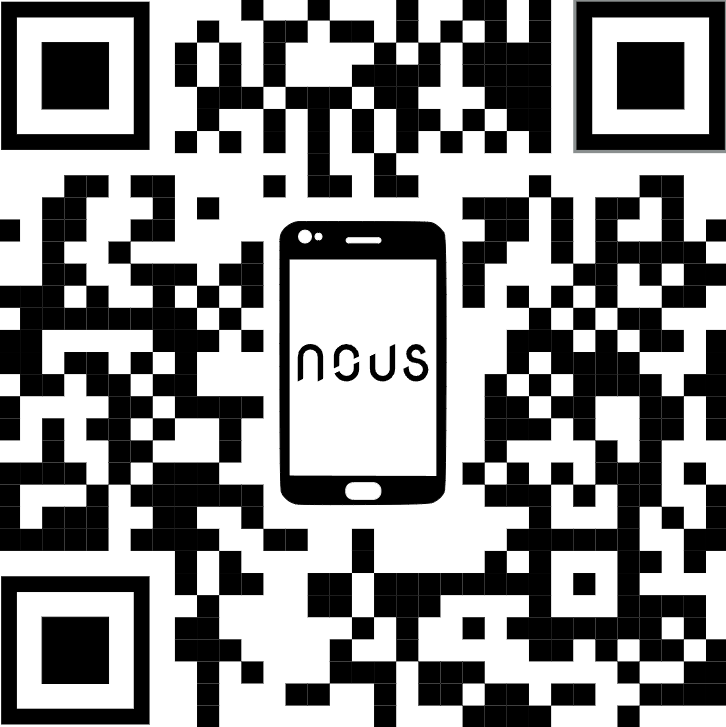 |
Scan the QR code or or download it directly
Importantly: you will need a Nous E1, Nous E7, Nous E15 or other Tuya compatible ZigBee gateway/hub
- Turn on the device (your Nous ZigBee hub should already be connected to the app). Ensure that the bulb is connected to a 230V power supply (screwed into the socket) and the power is switched on.
- After turning on the power, the bulb should start flashing rapidly. If it does not, simply turn the power switch off and back on to reset the device.
- Open the Nous Smart app.
- Select your ZigBee Gateway (Hub) from the device list.
- Click "Add subdevice" (or "+") inside the hub menu.
- The app will automatically scan for devices ready to connect. Confirm the connection to start pairing.
- Once paired, you can rename your device and it is ready to use.
- Alternative: If the device is not found automatically, click "Add manually", select the corresponding lighting category from the list, and follow the on-screen prompts.
Create a group
All you have to do is go to the settings of one of the bulbs, click "create group" and then select the bulbs you want to include in that group. Give this group a name you like, and after that it will appear on your panel as a new device.
Now you can go to this new group and control these bulbs as one device.
Using the Amazon Echo Quick Guide
What you'll need:
1. Amazon Alexa PROGRAM and account
2. NOUS Smart Home program and account (Users need to register their own account by selecting their US region)
3. Echo, Echo Dot, Tap or other Amazon voice devices.
Tip: After successful setup, rename the device. It is recommended to use easy pronunciation of English words in the name of the device (Amazon Echo temporarily supports English only).
Set up the speakerphone with the Alexa app
- Sign in with your Alexa account and password (if you're not already signed in, sign up first); After logging in, click the menu in the upper left corner, then click "Settings" and select "Set up a new device";
- Select a device (eg Echo). When the desired page appears, press and hold the small dot on the Echo bar until the indicator turns yellow. Then click "Continue" in the program.
- Select dedicated WIFI and wait a few minutes.
- After the introductory video, click "Next Step" and it will automatically take you to the "Home" page. The Echo is now successfully connected to the Alexa app over Wi-Fi.
Enable our skill in the Alexa app
- Select "Skills" in the options bar, then search for
"NOUS Smart Home" in the search bar; In the search results, select NOUS Smart Home, then click Enable. - Enter the username and password you previously registered (the account is only supported in the United States); When you see the correct page, it means that your Alexa account is linked to your NOUS Smart Home account.
Control your device with your voice
After the previous operation, you can control the device through Echo.
- Device discovery: First, users have to tell Echo, "Echo (or Alexa), open my devices." Echo will start to find the devices added in NOUS Smart Home APP, it will take about 20 seconds to show the result. Or you can click "Open devices" in Alexa APP, it will show the devicesfound successfully. Note: "Echo" is one of the wake-up names, which can be any of these three names (Settings): Alexa/Echo/Amazon.
- List of support skills
User can control devices with following instructions:
Alexa, turn on [device]
Alexa, turn off [device]
Attention: the name of the device must match the NOUS Smart Home APP.
BEDIENUNGSANLEITUNG
1. BESCHREIBUNG
|
Intelligente ZigBee-Glühbirne RGB P4Z
Netzwerkprotokoll (ZigBee 3.0): IEEE 802.15.4
ZigBee-Frequenz: 2,400–2,483 GHz
Leistung: 4,9 W
Lichtstrom: 450 lm
Farbtemperatur: 2700–6500 K
RGB: 16 Millionen Farben
Max. Sendeleistung: 10 dBm
Sockel E14 | Fassung C37
Nennspannung: 220–240 V AC
3. Sicherheits- und Vorsichtsmaßnahmen
- Bitte lesen Sie diese Bedienungsanleitung sorgfältig durch.
- Das Produkt ist innerhalb der im technischen Datenblatt angegebenen Temperatur- und Feuchtigkeitsgrenzen zu verwenden.
- Installieren Sie das Produkt nicht in der Nähe von Wärmequellen wie Heizkörpern usw.
- Das Gerät darf nicht herunterfallen oder mechanischen Belastungen ausgesetzt werden.
- Verwenden Sie zur Reinigung des Produkts keine chemisch aktiven oder scheuernden Reinigungsmittel. Verwenden Sie stattdessen ein feuchtes Flanelltuch.
- Die angegebene Nennleistung darf nicht überschritten werden. Andernfalls kann es zu einem Kurzschluss und einem Stromschlag kommen.
- Zerlegen Sie das Produkt nicht selbst – Diagnose und Reparatur des Geräts sollten nur in einem zertifizierten Servicecenter durchgeführt werden.
4. VERBINDUNG
Um das Nous-Gerät zu verbinden, benötigen Sie ein Smartphone mit Android- oder iOS-Betriebssystem und der installierten Nous Smart Home-App. Diese App ist kostenlos und kann im Play Store bzw. App Store heruntergeladen werden. Den QR-Code für die App finden Sie unten.
|
Scannen Sie den QR-Code oder laden Sie ihn direkt herunter.
Wichtig: Sie benötigen ein Nous E1, Nous E7, Nous E15 oder ein anderes Tuya-kompatibles ZigBee-Gateway/einen anderen Tuya-kompatiblen ZigBee-Hub.
- Schalten Sie das Gerät ein (Ihr Nous ZigBee Hub sollte bereits mit der App verbunden sein). Stellen Sie sicher, dass die Glühbirne an ein 230-V-Netzteil angeschlossen (in die Fassung geschraubt) und eingeschaltet ist.
- Nach dem Einschalten sollte die Glühbirne schnell blinken. Falls dies nicht der Fall ist, schalten Sie das Gerät einfach aus und wieder ein, um es zurückzusetzen.
- Öffne die Nous Smart App.
- Wählen Sie Ihr ZigBee-Gateway (Hub) aus der Geräteliste aus.
- Klicken Sie im Hub-Menü auf „Untergerät hinzufügen“ (oder „+“).
- Die App sucht automatisch nach Geräten, die sich verbinden lassen. Bestätigen Sie die Verbindung, um den Kopplungsvorgang zu starten.
- Sobald die Kopplung abgeschlossen ist, können Sie Ihr Gerät umbenennen und es ist einsatzbereit.
- Alternative: Falls das Gerät nicht automatisch gefunden wird, klicken Sie auf „Manuell hinzufügen“ , wählen Sie die entsprechende Beleuchtungskategorie aus der Liste aus und folgen Sie den Anweisungen auf dem Bildschirm.
MANUEL D'UTILISATION
1. DESCRIPTION
|
Ampoule connectée ZigBee RGB P4Z -
Protocole réseau (ZigBee 3.0) : IEEE 802.15.4 -
Fréquence ZigBee : 2,400 - 2,483 GHz -
Puissance : 4,9 W -
Flux lumineux : 450 lm -
Température de couleur : 2 700 K - 6 500 K
- RGB : 16 millions de couleurs -
Puissance d'émission maximale : 10 dBm -
Culot E14 | Ampoule C37 -
Tension nominale : 220-240 V CA
3. MESURES DE SÉCURITÉ ET DE PRÉCAUTION
- Veuillez lire attentivement ce manuel.
- Utilisez le produit dans les limites de température et d'humidité spécifiées dans la fiche technique.
- Ne pas installer le produit à proximité de sources de chaleur telles que des radiateurs, etc.
- Ne laissez pas l'appareil tomber ou être soumis à des contraintes mécaniques.
- N’utilisez pas de détergents chimiques ou abrasifs pour nettoyer le produit. Utilisez plutôt un chiffon de flanelle humide.
- Ne dépassez pas la puissance nominale spécifiée. Cela pourrait provoquer un court-circuit et une électrocution.
- Ne démontez pas vous-même le produit ; les diagnostics et les réparations de l’appareil doivent être effectués uniquement dans un centre de service agréé.
4. CONNEXION
Pour connecter l'appareil Nous, vous avez besoin d'un smartphone Android ou iOS sur lequel l'application Nous Smart Home est installée. Cette application mobile est gratuite et disponible au téléchargement sur le Play Store et l'App Store. Le code QR de l'application est indiqué ci-dessous :
|
Scannez le code QR ou téléchargez-le directement
Important : vous aurez besoin d’une passerelle/d’un concentrateur ZigBee compatible Tuya, comme Nous E1, Nous E7, Nous E15 ou autre.
- Allumez l'appareil (votre hub Nous ZigBee devrait déjà être connecté à l'application). Assurez-vous que l'ampoule est branchée sur une prise 230 V (vissée dans la douille) et que l'alimentation est activée.
- Après la mise sous tension, l'ampoule devrait clignoter rapidement. Si ce n'est pas le cas, éteignez puis rallumez l'appareil pour le réinitialiser.
- Ouvrez l' application Nous Smart .
- Sélectionnez votre passerelle ZigBee (Hub) dans la liste des appareils.
- Cliquez sur « Ajouter un sous-périphérique » (ou « + ») dans le menu du hub.
- L'application recherchera automatiquement les appareils prêts à se connecter. Confirmez la connexion pour lancer l'appairage.
- Une fois l'appairage effectué, vous pouvez renommer votre appareil et il est prêt à l'emploi.
- Autre solution : si l’appareil n’est pas détecté automatiquement, cliquez sur « Ajouter manuellement » , sélectionnez la catégorie d’éclairage correspondante dans la liste et suivez les instructions à l’écran.
INSTRUKCJA OBSŁUGI
1. OPIS
|
Inteligentna żarówka ZigBee RGB P4Z
Protokół sieciowy (ZigBee 3.0): IEEE 802.15.4
Częstotliwość Zigbee: 2,400–2,483 GHz
Moc: 4,9 W
Strumień świetlny: 450 lm
Temperatura barwowa: 2700–6500 K
RGB: 16 milionów kolorów
Maksymalna moc nadawania: 10 dBm
Gwint E14 | Żarówka C37
Napięcie znamionowe: 220–240 V AC
3. ŚRODKI BEZPIECZEŃSTWA I ŚRODKI OSTROŻNOŚCI
- Proszę uważnie przeczytać tę instrukcję.
- Produkt należy stosować w zakresie temperatury i wilgotności określonym w karcie technicznej.
- Nie należy instalować produktu w pobliżu źródeł ciepła, takich jak grzejniki itp.
- Nie dopuść do upadku urządzenia lub narażenia go na obciążenia mechaniczne.
- Do czyszczenia produktu nie należy używać detergentów o działaniu chemicznym ani ściernym. Zamiast tego należy używać wilgotnej flanelowej ściereczki.
- Nie przekraczać zalecanej mocy znamionowej. Może to spowodować zwarcie i porażenie prądem.
- Nie należy samodzielnie demontować produktu – diagnostykę i naprawy urządzenia należy wykonywać wyłącznie w autoryzowanym serwisie.
4. POŁĄCZENIE
Aby podłączyć urządzenie Nous, potrzebujesz smartfona z systemem Android lub iOS z zainstalowaną aplikacją Nous Smart Home. Ta aplikacja mobilna jest darmowa i dostępna do pobrania w sklepach Play Market i App Store. Kod QR aplikacji znajduje się poniżej:
|
Zeskanuj kod QR lub pobierz go bezpośrednio
Ważne: będziesz potrzebować bramki/centrali ZigBee Nous E1, Nous E7, Nous E15 lub innej kompatybilnej z Tuya
- Włącz urządzenie ( centrala Nous ZigBee powinna być już połączona z aplikacją). Upewnij się, że żarówka jest podłączona do gniazdka 230 V (wkręcona w gniazdo) i włączona.
- Po włączeniu zasilania żarówka powinna zacząć szybko migać. Jeśli tak się nie stanie, wystarczy wyłączyć i ponownie włączyć urządzenie, aby je zresetować.
- Otwórz aplikację Nous Smart .
- Wybierz bramkę ZigBee (hub) z listy urządzeń.
- Kliknij „Dodaj podurządzenie” (lub „+”) w menu głównym.
- Aplikacja automatycznie wyszuka urządzenia gotowe do połączenia. Potwierdź połączenie, aby rozpocząć parowanie.
- Po sparowaniu możesz zmienić nazwę urządzenia i będzie ono gotowe do użycia.
- Alternatywa: Jeśli urządzenie nie zostanie znalezione automatycznie, kliknij „Dodaj ręcznie” , wybierz odpowiednią kategorię oświetlenia z listy i postępuj zgodnie z instrukcjami wyświetlanymi na ekranie.
MANUALE OPERATIVO
1. DESCRIZIONE
|
Lampadina Smart ZigBee RGB P4Z
Protocollo di rete (ZigBee 3.0): IEEE 802.15.4
Frequenza Zigbee: 2.400 - 2.483 GHz
Potenza: 4.9W
Lumen: 450Lm
Temperatura colore: 2700K-6500K
RGB: 16 milioni di colori
Potenza di trasmissione massima: 10 dBm
Attacco E14 | Lampadina C37
Tensione nominale: 220-240VAC
3. MISURE DI SICUREZZA E PRECAUZIONI
- Si prega di leggere attentamente questo manuale.
- Utilizzare il prodotto entro i limiti di temperatura e umidità specificati nella scheda tecnica.
- Non installare il prodotto in prossimità di fonti di calore come termosifoni, ecc.
- Non permettere che il dispositivo cada o sia sottoposto a sollecitazioni meccaniche.
- Non utilizzare detergenti chimicamente aggressivi o abrasivi per pulire il prodotto. Utilizzare invece un panno di flanella umido.
- Non superare la potenza nominale specificata. Ciò potrebbe causare un cortocircuito e una scossa elettrica.
- Non smontare il prodotto autonomamente: la diagnosi e la riparazione del dispositivo devono essere eseguite esclusivamente presso un centro di assistenza autorizzato.
4. CONNESSIONE
Per connettere il dispositivo Nous, è necessario uno smartphone con sistema operativo Android o iOS e l'applicazione Nous Smart Home installata. Questa applicazione è gratuita e disponibile per il download su Play Store e App Store. Il codice QR per l'applicazione è riportato di seguito:
|
Scansiona il codice QR o scaricalo direttamente
Importante: avrai bisogno di un gateway/hub ZigBee compatibile con Tuya, come Nous E1, Nous E7, Nous E15 o un altro modello.
- Accendi il dispositivo (il tuo hub Nous ZigBee dovrebbe essere già connesso all'app). Assicurati che la lampadina sia collegata a una presa di corrente da 230 V (avvitata al portalampada) e che l'alimentazione sia attiva.
- Dopo aver acceso l'alimentazione, la lampadina dovrebbe iniziare a lampeggiare rapidamente. In caso contrario, è sufficiente spegnere e riaccendere l'interruttore per ripristinare il dispositivo.
- Apri l' app Nous Smart .
- Seleziona il tuo gateway ZigBee (hub) dall'elenco dei dispositivi.
- Fai clic su "Aggiungi sottodispositivo" (o "+") all'interno del menu dell'hub.
- L'app eseguirà automaticamente la scansione dei dispositivi pronti per la connessione. Conferma la connessione per avviare l'associazione.
- Una volta effettuato l'abbinamento, è possibile rinominare il dispositivo ed è pronto per l'uso.
- Alternativa: se il dispositivo non viene rilevato automaticamente, fai clic su "Aggiungi manualmente" , seleziona la categoria di illuminazione corrispondente dall'elenco e segui le istruzioni visualizzate sullo schermo.
MANUAL DE INSTRUCCIONES
1. DESCRIPCIÓN
|
Bombilla inteligente ZigBee RGB P4Z
Protocolo de red (ZigBee 3.0): IEEE 802.15.4
Frecuencia Zigbee: 2.400 - 2.483 GHz
Potencia: 4.9 W
Lúmenes: 450 lm
Temperatura de color: 2700 K-6500 K
RGB: 16 millones de colores
Potencia máxima de transmisión: 10 dBm
Base E14 | Bombilla C37
Tensión nominal: 220-240 VCA
3. MEDIDAS DE SEGURIDAD Y PRECAUCIÓN
- Lea este manual detenidamente.
- Utilice el producto dentro de los límites de temperatura y humedad especificados en la ficha técnica.
- No instale el producto cerca de fuentes de calor como radiadores, etc.
- No permita que el dispositivo se caiga ni que sea sometido a esfuerzos mecánicos.
- No utilice detergentes químicamente activos ni abrasivos para limpiar el producto. En su lugar, utilice un paño de franela húmedo.
- No exceda la potencia nominal especificada. Esto podría provocar un cortocircuito y una descarga eléctrica.
- No desmonte usted mismo el producto; el diagnóstico y las reparaciones del dispositivo solo deben realizarse en un centro de servicio certificado.
4. CONEXIÓN
Para conectar el dispositivo Nous, necesita un smartphone con sistema operativo Android o iOS y la aplicación Nous Smart Home instalada. Esta aplicación es gratuita y se puede descargar desde Google Play y la App Store. El código QR de la aplicación se muestra a continuación:
|
Escanea el código QR o descárgalo directamente.
Importante: necesitará un Nous E1, Nous E7, Nous E15 u otro gateway/hub ZigBee compatible con Tuya.
- Encienda el dispositivo (su concentrador Nous ZigBee ya debería estar conectado a la aplicación). Asegúrese de que la bombilla esté conectada a una fuente de alimentación de 230 V (enroscada en el portalámparas) y que la alimentación esté encendida.
- Tras encender la alimentación, la bombilla debería empezar a parpadear rápidamente. Si no lo hace, simplemente apague y vuelva a encender el interruptor para reiniciar el dispositivo.
- Abre la aplicación Nous Smart .
- Seleccione su puerta de enlace ZigBee (concentrador) de la lista de dispositivos.
- Haz clic en "Agregar subdispositivo" (o "+") dentro del menú del hub.
- La aplicación buscará automáticamente dispositivos listos para conectarse. Confirma la conexión para iniciar el emparejamiento.
- Una vez emparejado, puedes cambiar el nombre de tu dispositivo y estará listo para usar.
- Alternativa: Si el dispositivo no se detecta automáticamente, haga clic en "Agregar manualmente" , seleccione la categoría de iluminación correspondiente de la lista y siga las instrucciones en pantalla.
NÁVOD NA POUŽITIE
1. POPIS
|
Inteligentná žiarovka ZigBee RGB P4Z
Sieťový protokol (ZigBee 3.0): IEEE 802.15.4
Zigbee Frekvencia: 2 400 - 2 483 GHz
Výkon: 4,9 W
Svetelný tok: 450 lm
Teplota farby: 2700 K - 6500 K
RGB: 16 miliónov farieb
Max. vysielací výkon: 10 dBm
Pätica E14 | Žiarovka C37
Menovité napätie: 220 – 240 V AC
3. BEZPEČNOSTNÉ A PREVENTÍVNE OPATRENIA
- Pozorne si prečítajte tento návod.
- Výrobok používajte v rámci teplotných a vlhkostných limitov uvedených v technickom liste.
- Neinštalujte výrobok v blízkosti zdrojov tepla, ako sú radiátory atď.
- Nedovoľte, aby zariadenie spadlo alebo bolo vystavené mechanickému namáhaniu.
- Na čistenie výrobku nepoužívajte chemicky aktívne ani abrazívne čistiace prostriedky. Namiesto toho použite vlhkú flanelovú handričku.
- Neprekračujte uvedený menovitý výkon. Môže to spôsobiť skrat a úraz elektrickým prúdom.
- Nerozoberajte výrobok sami - diagnostiku a opravy zariadenia by malo vykonávať iba certifikované servisné stredisko.
4. PRIPOJENIE
Na pripojenie zariadenia Nous potrebujete smartfón s mobilným operačným systémom Android alebo iOS s nainštalovanou aplikáciou Nous Smart Home. Táto mobilná aplikácia je bezplatná a dostupná na stiahnutie z Play Marketu a App Store. QR kód aplikácie je uvedený nižšie:
|
Naskenujte QR kód alebo si ho stiahnite priamo
Dôležité: budete potrebovať Nous E1, Nous E7, Nous E15 alebo inú ZigBee bránu/hub kompatibilnú s Tuya.
- Zapnite zariadenie (váš rozbočovač Nous ZigBee by už mal byť pripojený k aplikácii). Uistite sa, že žiarovka je pripojená k zdroju napájania 230 V (zaskrutkovaná do objímky) a že je napájanie zapnuté.
- Po zapnutí napájania by mala žiarovka začať rýchlo blikať. Ak nie, jednoducho vypnite a znova zapnite vypínač, aby ste zariadenie resetovali.
- Otvorte aplikáciu Nous Smart .
- Vyberte si ZigBee Gateway (Hub) zo zoznamu zariadení.
- V ponuke rozbočovača kliknite na „Pridať podzariadenie“ (alebo „+“).
- Aplikácia automaticky vyhľadá zariadenia pripravené na pripojenie. Potvrďte pripojenie a spustite párovanie.
- Po spárovaní môžete zariadenie premenovať a je pripravené na použitie.
- Alternatíva: Ak sa zariadenie nenájde automaticky, kliknite na tlačidlo „Pridať manuálne“ , vyberte zo zoznamu príslušnú kategóriu osvetlenia a postupujte podľa pokynov na obrazovke.
PROVOZNÍ NÁVOD
1. POPIS
|
Chytrá žárovka ZigBee RGB P4Z
Síťový protokol (ZigBee 3.0): IEEE 802.15.4
Zigbee Frekvence: 2,400 - 2,483 GHz
Výkon: 4,9 W
Světelný tok: 450 lm
Teplota barev: 2700K-6500K
RGB: 16 milionů barev
Max. vysílací výkon: 10 dBm
Patice E14 | Žárovka C37
Jmenovité napětí: 220-240 V AC
3. BEZPEČNOSTNÍ A PREVENTIVNÍ OPATŘENÍ
- Pečlivě si prosím přečtěte tento manuál.
- Používejte výrobek v mezích teploty a vlhkosti uvedených v technickém listu.
- Neinstalujte výrobek v blízkosti zdrojů tepla, jako jsou radiátory atd.
- Nedovolte, aby zařízení spadlo nebo bylo vystaveno mechanickému namáhání.
- K čištění výrobku nepoužívejte chemicky aktivní ani abrazivní čisticí prostředky. Použijte místo toho vlhký flanelový hadřík.
- Nepřekračujte specifikovaný jmenovitý výkon. Může dojít ke zkratu a úrazu elektrickým proudem.
- Nerozebírejte výrobek sami - diagnostiku a opravy zařízení by měly provádět pouze certifikované servisní středisko.
4. PŘIPOJENÍ
Pro připojení zařízení Nous potřebujete chytrý telefon s operačním systémem Android nebo iOS s nainstalovanou aplikací Nous Smart Home. Tato mobilní aplikace je zdarma a je k dispozici ke stažení z Play Marketu a App Storu. QR kód aplikace je uveden níže:
|
Naskenujte QR kód nebo si jej stáhněte přímo
Důležité: Budete potřebovat Nous E1, Nous E7, Nous E15 nebo jinou ZigBee bránu/hub kompatibilní s Tuya.
- Zapněte zařízení (váš rozbočovač Nous ZigBee by již měl být připojen k aplikaci). Ujistěte se, že je žárovka připojena ke zdroji napájení 230 V (zašroubována do objímky) a že je napájení zapnuté.
- Po zapnutí napájení by žárovka měla začít rychle blikat. Pokud ne, jednoduše vypněte a znovu zapněte vypínač, abyste zařízení resetovali.
- Otevřete aplikaci Nous Smart .
- Vyberte ze seznamu zařízení svou ZigBee bránu (hub) .
- V nabídce rozbočovače klikněte na „Přidat podzařízení“ (nebo „+“).
- Aplikace automaticky vyhledá zařízení připravená k připojení. Potvrďte připojení pro zahájení párování.
- Po spárování můžete zařízení přejmenovat a je připraveno k použití.
- Alternativa: Pokud se zařízení nenajde automaticky, klikněte na „Přidat ručně“ , vyberte ze seznamu odpovídající kategorii osvětlení a postupujte podle pokynů na obrazovce.